If you are looking for the best alternative for NanoClaw, then this page will be the most important message you'll read today.
Many people, just like you, liked what NanoClaw promised — real isolation, a codebase you can read in an afternoon, and no gateway to babysit. And many of them still hit a wall.
Claude-only lock-in, a Docker dependency you did not sign up for, a single-user scope, a skill library that is small, and an agent that phones home by default.
While the goal you use AI is to make your work faster, the tool ends up asking you to be its sysadmin.
That's why we want to write this article to show you the options you have, and help you to get your works done faster, easier and way more efficient than you can imagine.
In just a few short paragraphs, you will see the tool that feels it is designed for you, just like many others, so read on, it can be easier than you think.
How do we compare these 7 alternatives for you?
Most lists outside on this topic rank by how impressive the tool sounds. Oftentimes, they exaggerate, which is why many have to spend time again to find the best alternative. And that is not how this one is designed to do. Every claim below was read off a first-party source on October 18, 2026.
We do not messure the tools based on their popularity like their Github stars or the hype they have on social media platforms. Instead, we've battle tested every tool with the 6 criteria below, so you can make the decision that is right and personalized.
Here are the six questions:
- Is it safe & secure to use?NanoClaw's whole pitch is isolation: every session runs in its own container and credentials are injected at the host boundary. We still ask whether that holds in practice — open network egress by default, shared workspaces inside one agent group, and the fact that the isolation only covers what runs in the container, not the host you are maintaining. Safety first, even for the safety-first tool.
- What does it cost per month?NanoClaw is free software, but it is not free to run. Add the AI model bill (Claude by default, which is not cheap at agent scale), the machine it runs on, Docker overhead, and the hours you spend keeping it alive. We compare that to the managed options where the model is already in the price.
- Can I bring my setup across?NanoClaw has no documented importer for its own setup, and nothing on this page imports a NanoClaw setup either. Plan to rebuild your agent groups, channels, and skills by hand. We say so plainly instead of implying a migration that does not exist.
- Who can fix it when something breaks?NanoClaw is maintained by NanoCo, a funded company, which is better than a solo project. But it is still yours to run: the host, the containers, the updates, the backups. We check who is actually on call at 2am.
- Do you have to maintain it yourself?A small codebase you can read in an afternoon is a real advantage, but it is still a codebase you own. We check release cadence and whether the project is moving toward 1.0, because a readable agent that stops shipping is a liability.
- Can it still be self-hosted?NanoClaw is self-hosted by design, and that is the point of it. The interesting question is the opposite one: is there a managed option that keeps the isolation without the Docker? We flag which alternatives quietly moved to the cloud, so you know what you are really getting.
See the 7 alternatives that can make your work faster & easier
We hand pick these 7 tools that can replace your NanoClaw, so you can continue your workflows more efficient and less headaches.
The reason we pick them is not because how many Github stars they have, or based on any hype but if it is truly useful and able to get the job done.
In the following, you will see how they can help you be more efficient without having to deal with the issues that NanoClaw has.
Zaira
An AI agent that can learn the way you work & remember what is important to you
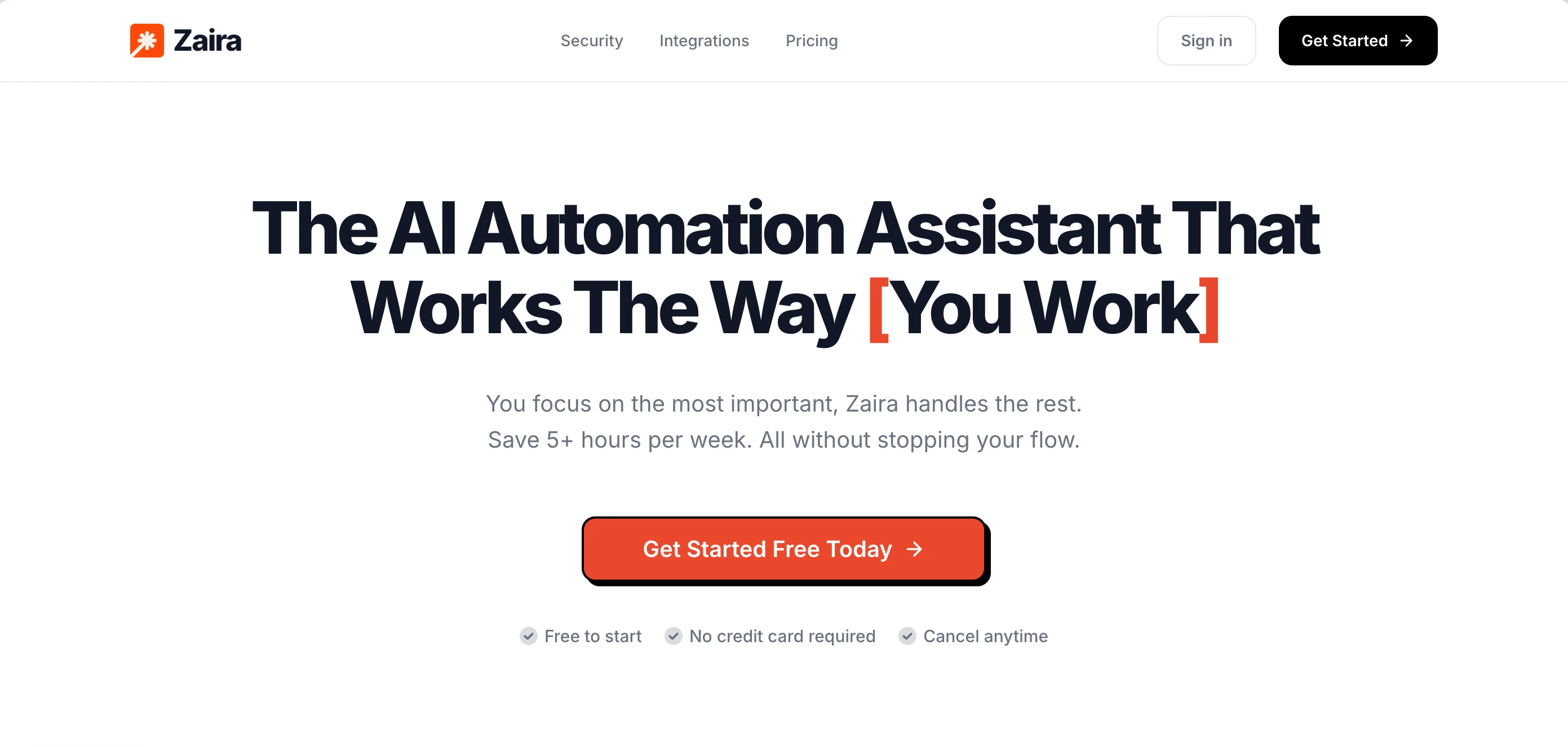
Zaira is a ready-made AI agent. It is designed for non-technical people to use. There's no need to figure out the set up yourself, no new updates you need to keep up, and no overcharging risk in any cases. Whenever you open it, it is ready to use.
The best part? It is made to automate your workflows. You describe the result you want, it will give you the automation proposal that is ready to run. And here's more, Zaira can look into your existing connected apps then find out what tasks can be automated with just one simple click. (no need to prompt at all!) Plus, it can learn the way you work, then work the way you want it to, no need to prompt the same thing over and over again.
Pros:
- Everything is done for you (nothing to figure out yourself)
- $0 to start, paid plan starts at just $9/mo
- One click to find missing opportunities in your workflows
- 100+ real apps integrations
- Schedule automations, or run on a trigger
- Slack, Discord, and Telegram integrations
- 40+ frontier AI models
- Frontier AI image model built in
- Frontier AI video model built in
- You own your own data
Cons:
- Online only. No self-hosted version.
- It does not have the computer use feature (no local files or shell).
ZeroClaw
The same idea, rebuilt as one small program that runs any model
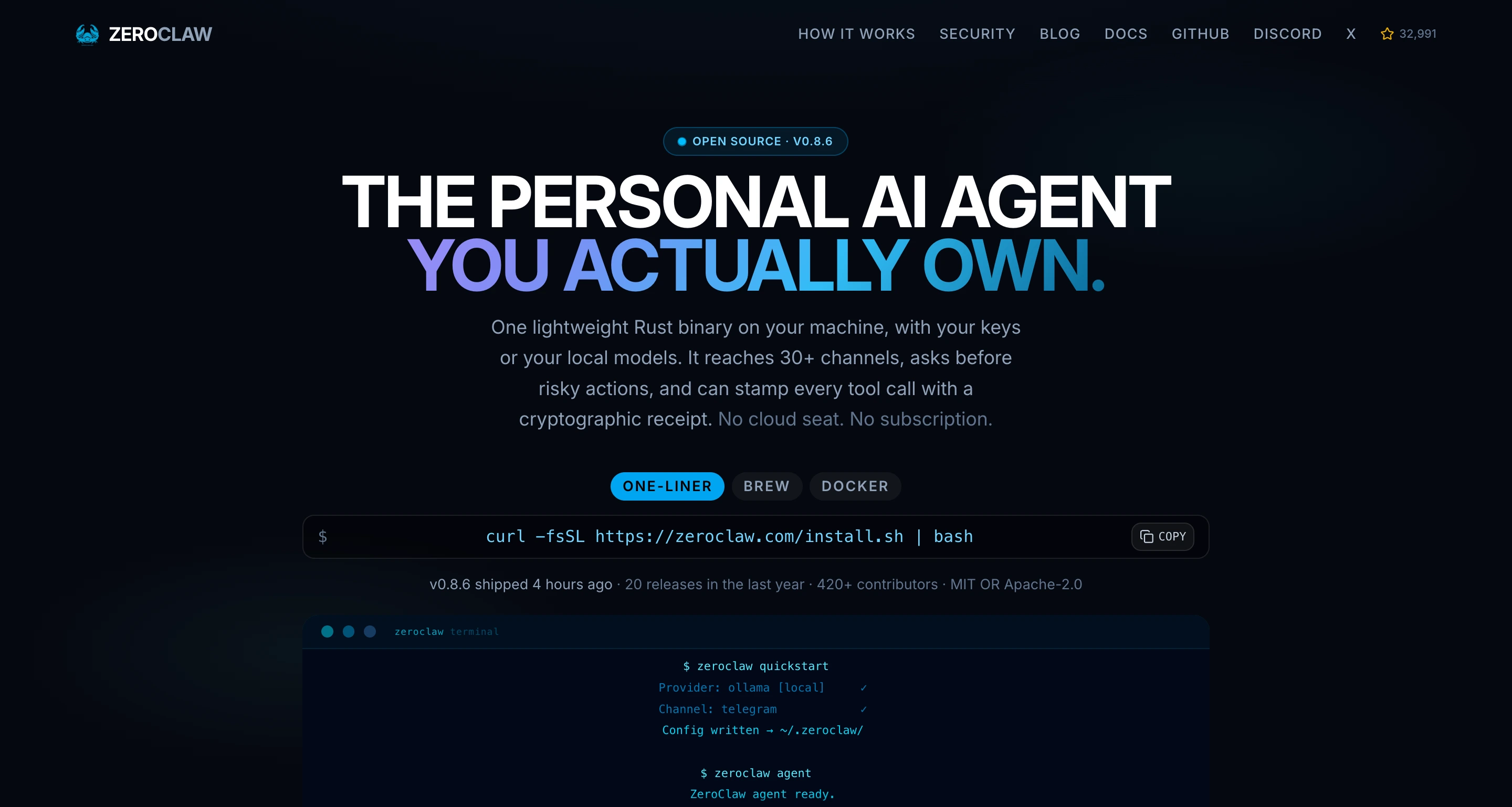
ZeroClaw is a rebuilt-from-scratch version of the same kind of assistant, made to be small and easy to put anywhere. It comes as a single program, reads the standard skill format, and can connect to more than 30 chat services and around 20 AI providers. Out of the box it asks your permission before doing anything risky — and it is not locked to Claude.
It is one program with one settings file and a control panel on your own computer. You keep your reusable pieces in the layout it expects rather than NanoClaw's. It can wall itself off from the rest of your computer in several ways, and it can install ready-made pieces from a web link or a public catalog.
Pros:
- Free and open source, with new releases every week
- Any AI provider, not just Claude — no lock-in
- Can wall itself off from the rest of your computer, not just ask permission
- Reads the standard file format, so your reusable pieces stay portable
- Runs comfortably on a cheap, small computer
Cons:
- No automatic way to bring a NanoClaw setup across. You move it by hand.
- Very rough around the edges. It is a tool, not a finished product.
- Smaller community and fewer ready-made connections than OpenClaw
- Its license is unclear: two different licenses are claimed in different places
Hermes Agent
The closest swap if you want an agent that learns from its own work
Hermes Agent is a personal assistant you run yourself, made by Nous Research. It is free and open source. It learns by turning finished work into reusable pieces, instead of waiting for you to write them, and it works with any AI model you choose. It is the only alternative on this page with a documented import command — though that command is from OpenClaw, not NanoClaw.
You run it yourself, and it talks to you through Telegram, Discord, Slack, WhatsApp, Signal, email, or a terminal. It remembers past conversations, and it learns by turning finished work into reusable pieces. You can point it at whatever AI model you like, and you can wall it off from the rest of your computer in several ways.
Pros:
- Free and open source, so you can read and change every part of it
- Learns by turning finished work into reusable pieces
- Works with any AI model you choose
- Comes with an official way to bring an OpenClaw setup across
Cons:
- Around 55,000 open issues. That is a lot of unanswered questions.
- Written in Python, so it uses more memory than the smaller options
- You still have to run, update, and protect it yourself
- No importer for a NanoClaw setup. You rebuild by hand.
nanobot
A small Python agent you can read end to end
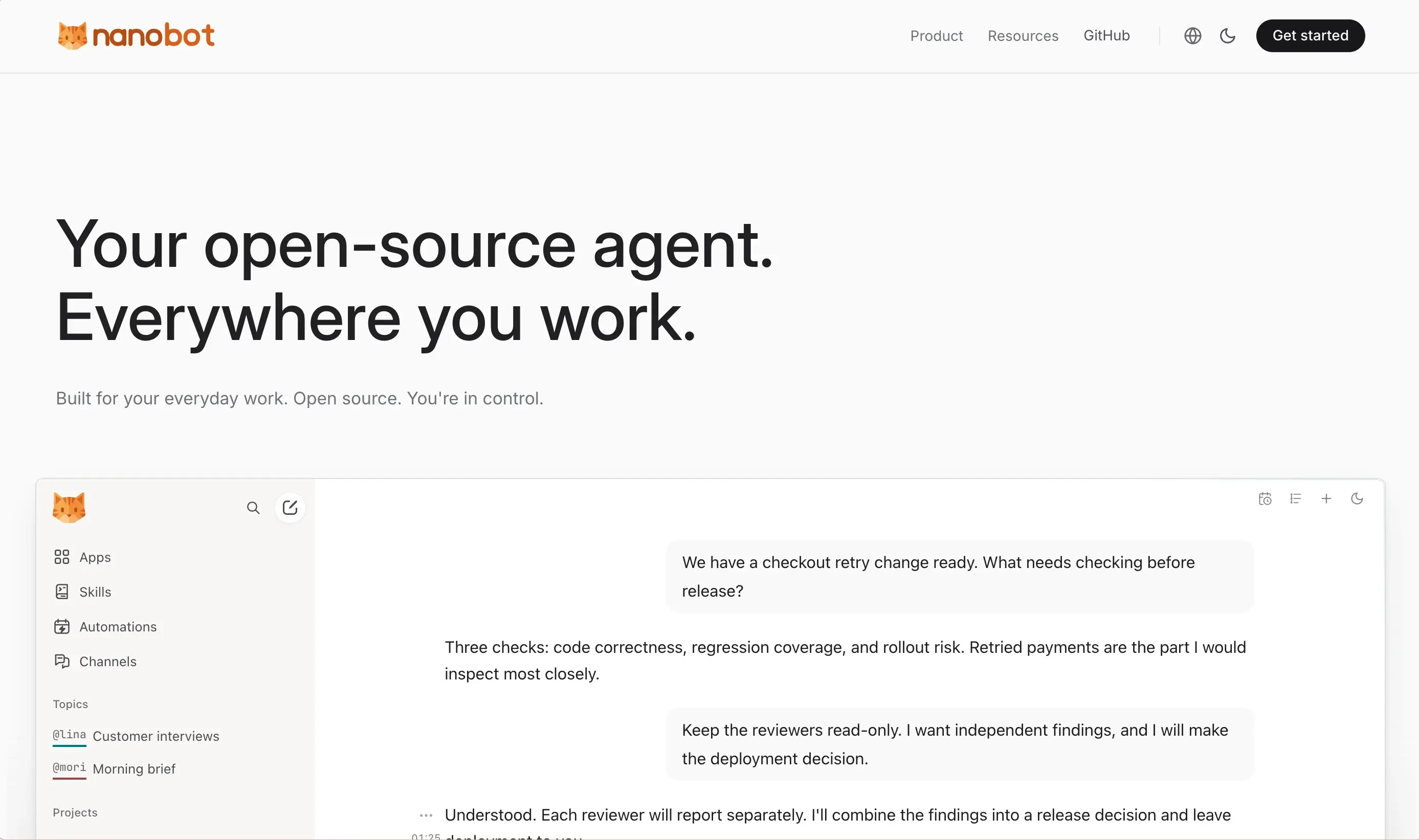
nanobot is an ultra-lightweight self-hosted agent: about four thousand lines of Python, MIT-licensed, with a WebUI, terminal, chat apps, memory, MCP, cron, and a Python SDK. It is the opposite of NanoClaw's bet: instead of a tiny TypeScript core on Claude, a small Python core on whatever model you like.
It runs as a Python process with a guided setup. It connects to the chat apps you choose, keeps memory in files, and can call tools over MCP. You can point it at Ollama or any OpenAI-compatible server, so it can run fully offline with no API key.
Pros:
- Small enough to read in a couple of days
- Any model provider, including local ones
- MCP tool support, so the ecosystem is broad
- Free and open source
Cons:
- No documented sandboxing architecture the way container-first projects have
- Less polished; documentation is minimal
- No importer for a NanoClaw setup
- You still run and maintain it yourself
IronClaw
The isolation answer that goes further than containers
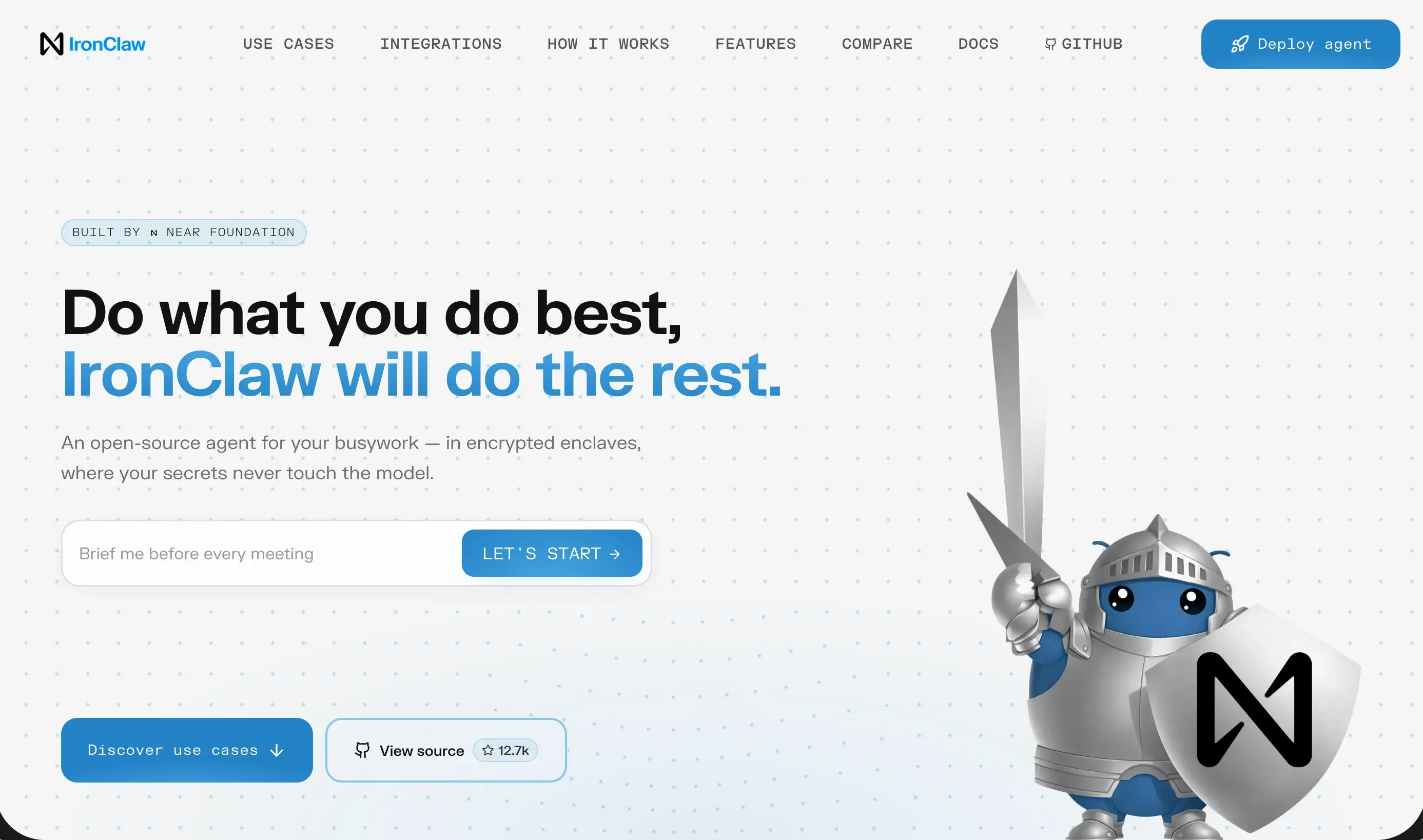
IronClaw takes a security-first approach that goes well beyond what NanoClaw attempts: tools run in WebAssembly sandboxes and never see raw secrets, with credential injection at the host boundary and per-tool audit logs. If NanoClaw's containers were the reason you picked it, IronClaw is the reason to leave.
It runs as a Rust process with a WebUI and TUI. Risky tools execute inside WASM sandboxes with endpoint allowlisting, and secrets are injected by the host so the agent never holds them. It stores memory in PostgreSQL with pgvector for hybrid search.
Pros:
- Per-tool WASM sandboxing, stronger than container-per-session
- Agents never hold raw secrets
- Audit logs for tool calls
- Free and open source
Cons:
- Heavier than NanoClaw: needs PostgreSQL and more setup
- Smaller community and fewer ready-made connections
- No importer for a NanoClaw setup
- You still run and maintain it yourself
OpenClaw
The full thing, if what you actually wanted was the ecosystem
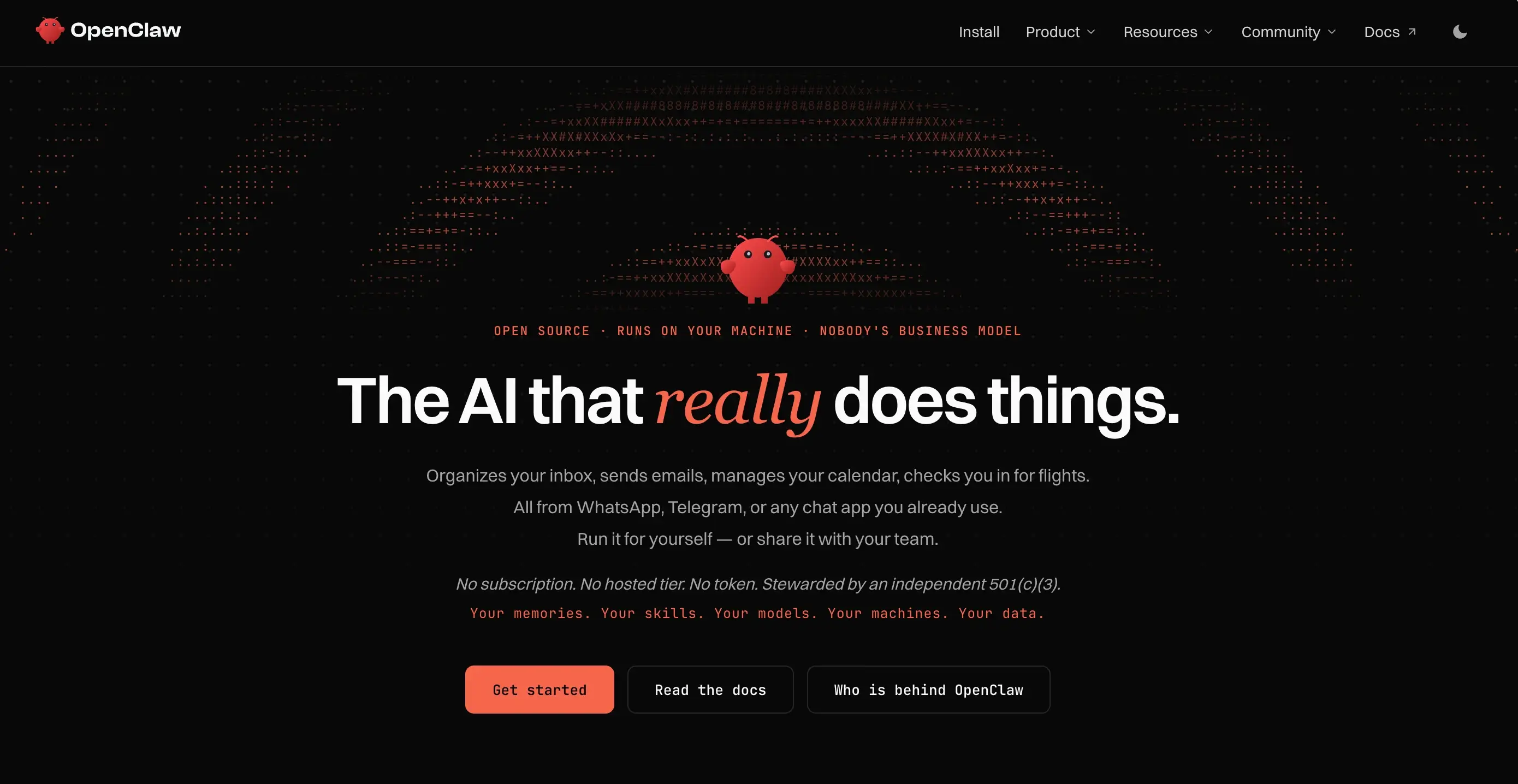
OpenClaw is the maximal version of this idea: 20+ messaging channels, a skill marketplace with thousands of entries, multi-agent routing, and the largest community in the space. NanoClaw exists partly because OpenClaw grew too large and too loose. But if your problem with NanoClaw is that it does too little, OpenClaw is the honest answer.
It runs as a Node.js gateway with a plugin system. You install skills from a marketplace, connect channels, and configure permissions. It is powerful and broad, and it is the reason most of the alternatives on this page exist.
Pros:
- Largest community and ecosystem by far
- Thousands of ready-made skills
- Broadest channel support
- Free and open source
Cons:
- Application-level safety by default, not container isolation
- Heavy: idles at hundreds of megabytes and climbs past a gigabyte
- Long security advisory list in 2026
- You run, patch, and protect it yourself
PicoClaw
A single Go binary for cheap or edge hardware
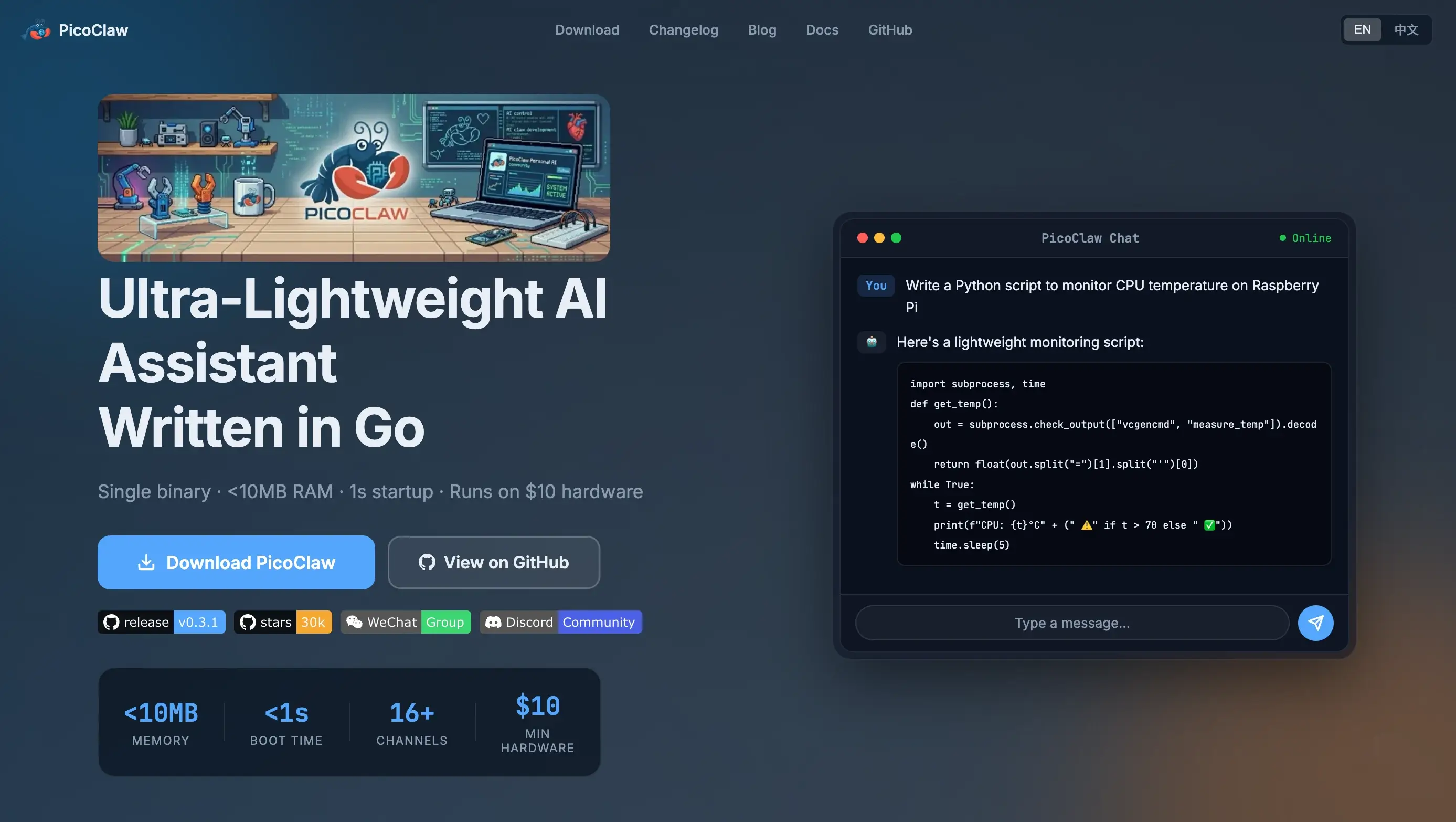
PicoClaw is a Go binary aimed at the cheapest possible hardware: under ten megabytes of RAM, sub-second startup, and support for RISC-V. It is the smallest-footprint option here, and it runs on hardware NanoClaw cannot touch.
It ships as one binary with no runtime dependency. You configure a provider and a channel, and it runs. It supports Telegram, Discord, QQ, DingTalk, and more, and it can call Ollama for fully local inference.
Pros:
- Smallest footprint here: single binary, megabytes of RAM
- RISC-V and ARM support
- Fast startup
- Free and open source
Cons:
- No container isolation; minimal sandboxing
- No MCP tool ecosystem
- No multi-agent collaboration
- You still run and maintain it yourself
So, which one is right for you?
We know it can be hard to make the decision, but as people have been using the tools we just shared with you, not one tool that is designed for everyone. So with the content below, you can quickly find out what tool can be the best for you without scratching your head in wonder.
Want an agent that is not tied to Claude?
PickZeroClaw
NanoClaw is built on Anthropic's Claude Agent SDK and ships Claude as the default. ZeroClaw, Hermes Agent, and nanobot all run on any model you choose, including local ones. That is the single biggest reason to leave.
Want isolation without running containers?
PickZaira
NanoClaw needs Docker or Apple Container and a machine you keep alive. Zaira gives you a managed agent with nothing to run, and IronClaw gives you WASM sandboxing in a single Rust process. Pick by how much you want to own.
Want an agent your whole team can use?
PickZaira
NanoClaw is built for one person on one machine. Zaira is built for teams, and OpenClaw has multi-agent routing and broad channel support. If the work is shared, the agent has to be shared too.
Want a real skill marketplace?
PickOpenClaw
NanoClaw uses Claude Code skills and has a smaller library. OpenClaw has thousands of ready-made skills and the largest community. If you want to install rather than build, OpenClaw is the honest answer.
Want isolation stronger than containers?
PickIronClaw
NanoClaw runs each session in a container, but sessions in the same agent group share a workspace, and network egress is open unless you lock it down. IronClaw sandboxes every tool in WASM and never hands the agent a raw secret.
Want an agent on a ten-dollar board?
PickPicoClaw
NanoClaw needs a real machine and Docker. PicoClaw runs in megabytes of RAM on a Raspberry Pi or RISC-V board. If the constraint is hardware, the agent has to get smaller.
Frequently asked questions
What is the best NanoClaw alternative?
It depends on which wall you hit, and that is the whole point of this page. If the lock-in is the problem, ZeroClaw or Hermes Agent run on any model. If the Docker and maintenance is the problem, Zaira is managed and flat. If you want stronger isolation than containers, IronClaw goes further. Section 01 ranks all seven by the wall they fix.
Does NanoClaw only work with Claude?
Claude is the default provider, and NanoClaw is built on Anthropic's Claude Agent SDK, so the path of least resistance is Claude. The docs say Codex, OpenCode, and Ollama can be configured per agent group, so it is not strictly Claude-only, but the setup, skills, and ecosystem all lean heavily toward Claude. If you want a provider-neutral agent, ZeroClaw, Hermes Agent, and nanobot are the honest choices.
Can I run NanoClaw without Docker?
No. NanoClaw runs each session in a Linux container, and on macOS it uses Apple Container; on Linux it uses Docker. There is no container-free mode. If Docker is the thing you do not want to operate, the managed options (Zaira, Claude, Perplexity Computer, Manus) or a non-container agent like ZeroClaw or nanobot are the alternatives.
Does NanoClaw send telemetry?
Yes, by default. NanoClaw sends anonymous setup diagnostics. You can turn them off with NANOCLAW_NO_DIAGNOSTICS=1. That is worth knowing before you point it at anything sensitive, and it is one of the reasons people who want a quiet agent look elsewhere.
Can I import my NanoClaw setup into another tool?
No. Nothing on this page imports a NanoClaw setup. Hermes Agent has an importer, but it is from OpenClaw, not NanoClaw. ZeroClaw reads the standard SKILL.md format, so skills are portable in principle, but there is no documented automatic importer. Plan to rebuild your agent groups, channels, and skills by hand.
Which alternative has stronger isolation than NanoClaw?
IronClaw. NanoClaw isolates each session in a container, but sessions in the same agent group share a workspace, and network egress is open unless you set NANOCLAW_EGRESS_LOCKDOWN. IronClaw sandboxes every tool in WebAssembly and injects credentials at the host boundary, so the agent never holds a raw secret. That is a stronger line, at the cost of more setup.
Is there a managed NanoClaw alternative?
There is no managed NanoClaw. NanoCo sells nothing hosted. If you want the isolation idea without operating a machine, the honest answer is a different product category: Zaira is managed and flat-priced, Claude and Perplexity Computer are managed but cloud-only. You give up owning the machine and local file access.
Does NanoClaw support multiple users or teams?
NanoClaw is built for a single person on a single machine. It can run multiple agent groups, but they share one host and one operator. If the work is shared across a team, you want a multi-user agent: Zaira for teams, or OpenClaw for multi-agent routing across channels.
How much does NanoClaw really cost to run?
The software is free. The bill is the model (Claude by default, which is not cheap at agent scale), the machine (a VPS or a Mac you keep on), Docker, and your time. Budget a weekend to set it up and an hour a week to keep it alive. Against that, Zaira starts free and is $9/mo Plus with the model included and no overage.
Information sources
- NanoClaw — official site
- NanoClaw repository — 31k+ stars, MIT, TypeScript
- NanoClaw documentation — introduction and security model
- NanoCo — $12M seed, maintainers of NanoClaw
- NanoClaw FAQ — container isolation and provider support
- ZeroClaw repository — Rust, any provider, OS-level sandboxing
- Hermes Agent repository — Nous Research, MIT, learning loop
- nanobot repository — HKU, Python, MIT, MCP
- IronClaw repository — NEAR AI, WASM sandboxing
- OpenClaw repository — 392k+ stars, MIT, TypeScript
- PicoClaw repository — Sipeed, Go, RISC-V
- VentureBeat — NanoClaw solves one of OpenClaw's biggest security issues
Deeper dives, find the best for yourself
Sometimes someone searches for a personal agent when what they actually need is automating work across the business apps their team already pays for. Those are a different category, and we have written it up properly.