If you’re looking for an n8n alternative, then this can be the most important article you’ll read today, because having workflows built with n8n requires a tremendous amount of work. While your purpose is to get the job done effortlessly, maintaining a workflow platform is not a sustainable way to work.
Imagine this: The workflow that ran untouched for six months dies on a Tuesday, a node you didn’t change, an API that moved underneath it, a credential that expired overnight. If you run n8n yourself, that Tuesday can be the reason why you land here. Not because n8n is bad, but because maintaining your own workflow stack became the actual job.
This article is going to show you the 7 best n8n alternatives, and who each of these alternatives is for. When people are craving the most efficiency with AI, the answer can be to stop building workflows altogether.
On paper, n8n is thriving. In October 2025 it raised $180 million in Series C funding at a $2.5 billion valuation (n8n’s announcement), after reporting more than 230,000 active users earlier in the year. It has strong momentum, yet the search for an alternative keeps growing right alongside it.
In just 8 short sections, you will see the options you have, and best of all, find the alternative that suits you best!
Why are people still searching for an n8n alternative in 2026?
People were initially drawn to n8n’s “Open source”, “self-hosted”, and “free”, then as they learnt and built the workflows, they discovered that it is not truly free at all.
With n8n, you have the choice to host it entirely on your own computer. Plus, if you want to try its cloud version, it provides you with a 14-day free trial without needing a credit card. With this generous free option, you can start building your workflows without having to worry financially.
But here’s the thing. It comes at the price of running, patching, and scaling the server yourself, which means it has a learning curve: you’ll spend extra time maintaining your workflows, plus upgrading your hardware as you scale.
That’s the cost many n8n users later found out. While the goal is to save time and automate workflows efficiently, it adds a burden of work you never asked for. That’s why people start looking for the alternatives, and decide to try the new tools.
In the following sections, we will explore the options you can have on the current market, and help you find out the one that is right for you based on your situation, the way you work, and the trade-off you will encounter.
But first, let us show you how we compared these tools, so you don’t have to pick the alternative that can waste your time.
How we compared these 7 tools
Every tool below is examined with the following 6 questions: the first three about fit (can you run it, what does it cost, who runs it day to day), the last three about ceiling (is the AI yours, does it know your stack, what does switching cost). It doesn’t just compare feature levels, it compares the process from your input to the outcome, plus the efficiency it can bring you.
Here are the measurements we used:
- Can you run it locally?It looks into whether the alternative has a self-hosting option, a license that allows what you’re planning, and whether your data can live where it legally must.
- What does it actually cost, and is there any hidden cost?We run the same workload through every billing meter, then flag which ones bleed credits once AI gets involved.
- Who is using it day to day, and what does it cost when it breaks?For each tool we name who shoulders the day-to-day after launch. You, an engineer, a team, or a founder, and what that maintenance actually demands.
- Is the AI built in, bolted on, and yours to control?The verdict answers three things: is the AI real, is it built into the product rather than bolted on, and can you keep control of your data and models.
- Does it know your stack deeply, and can you extend it?You’ll see how deep the connectors go on your stack, where you may hit a wall and you will have to build your own way out.
- Is it easy to switch?No tool here imports your n8n flows, so expect to rebuild by hand. Beyond that, yes: Zaira drops the canvas and the learning curve, and the FAQ's four-step path is something most teams finish in days, not weeks.
The whole field in one simple screen
This table is the shortcut: all seven alternatives in one quick screen, so you can see the field at a glance before reading a single full review. If you came in with a specific constraint (license, hosting, integrations, or AI) this is where you find which tools qualify without digging into details yet.
Each row is one tool, and each column answers one question: how it's hosted, how many integrations it ships, how serious its AI really is, and what it does with your data. The table stays deliberately narrow: the nuances, the pricing math, and the real trade-offs live in the profiles below, so you never have to squeeze a verdict out of a single cell.
Lastly, if you'd like to see more details to find out the best alternative for you, then keep on reading.
| Tool | Hosting | Integrations | AI use | Data |
|---|---|---|---|---|
| n8n |
| 1,000+ | AI Agent node with LangChain; MCP client for tool calling | Data is yours; never used to train AI |
| Zaira |
| 100+ | AI does the work — describe outcomes in chat, AI executes across your tools | You own your data; never used to train AI |
| Activepieces |
| 764 | AI agents across 764+ pieces; every piece doubles as an MCP server | Self-host for full control; SOC 2 on cloud |
| Make |
| 3,000+ | AI Agent (open beta) reasons through tasks; token-based credit billing | “Confidential” mode hides all data, even from Make |
| Zapier |
| 9,000+ | Copilot builds Zaps from a description; Agents act across 9,000+ apps; MCP = 2 tasks per call | Free plans opt you into AI training by default |
| Power Automate |
| 1,400+ | Copilot builds flows; AI Builder processes documents; Copilot Studio runs agents | Microsoft won’t use your data unless you say yes |
| Pipedream |
| 3,000+ | Deployable MCP servers expose 3,000+ apps as tools for your own AI agent | SOC 2 + HIPAA; you own your code |
| Windmill |
| Any API · 200+ | AI agent steps call scripts as tools via MCP; sandboxes for Claude Code/Codex | Self-host = 100% yours; nothing ever leaves your machine |
See the 7 alternatives that can make your work better & easier
Below are the seven alternatives we evaluated for this guide, each reviewed through the same four lenses: what it's best at, how it handles tasks differently from n8n, its real pros and cons, and the reason you'd actually switch. None of them are interchangeable. Some replace n8n's canvas, some replace the server you run it on, and some replace the idea of building workflows at all.
Every card follows the same structure, so the tools compare side by side instead of reading as seven separate reviews. Start from the constraint that made you search (license, hosting, cost, or AI) and jump straight to the matching tool, or read them in order: the one-line verdict on top, the details behind it below. Where a tool shares a trade-off with n8n, we name it on the card rather than burying it, and the at-a-glance table earlier gave you the numbers these cards explain in full.
Zaira
The AI automation tool that doesn't need you to prompt all the time
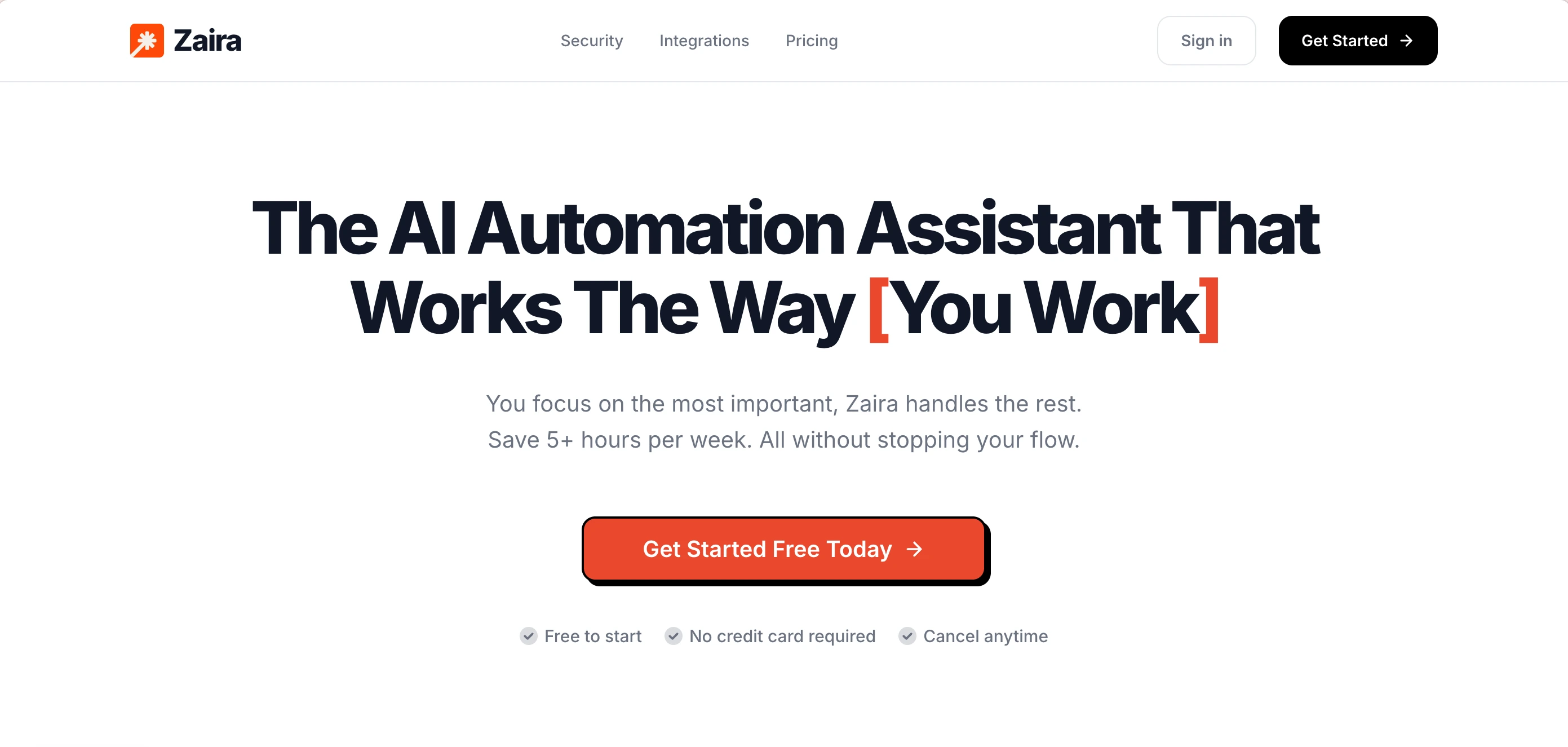
Zaira is an AI automation assistant rather than a workflow builder and on top of this, it is the only tool on this list that leaves the canvas behind. Instead of assembling triggers and nodes, you say what you need in plain English and it runs the work across your connected tools. It's built for outcome-first teams that want results without learning a builder, with image and video generation, web search, and timing-based and event-triggered automations built in.
You connect your tools once (Gmail, Stripe, Slack, HubSpot, and 100+ apps) then describe the outcome you want in chat, or let Zaira suggest the best automations to run based on what you've connected. It handles the rest: follow-ups sent, CRM updated, reports delivered, even images and videos generated. No canvas to design, no nodes to maintain, and API changes are handled for you.
Pros:
- No learning curve
- No workflow builder to maintain
- No servers, credentials sprawl, or 2am patches
- No need to maintain integrations & API changes (all done for you)
- Image and video generation feature built in
- Web search feature built in (using Exa AI)
- Timing-based & event-trigger-based automations included
- It can learn the way you work & work the way you like
- Your data will never be used for training AI models
- Fastest to set up
- Predictable pricing
Cons:
- Cloud option only. No self-hosting option
- Only essential 100+ integrations built in
Activepieces
The open-source pick people choose first
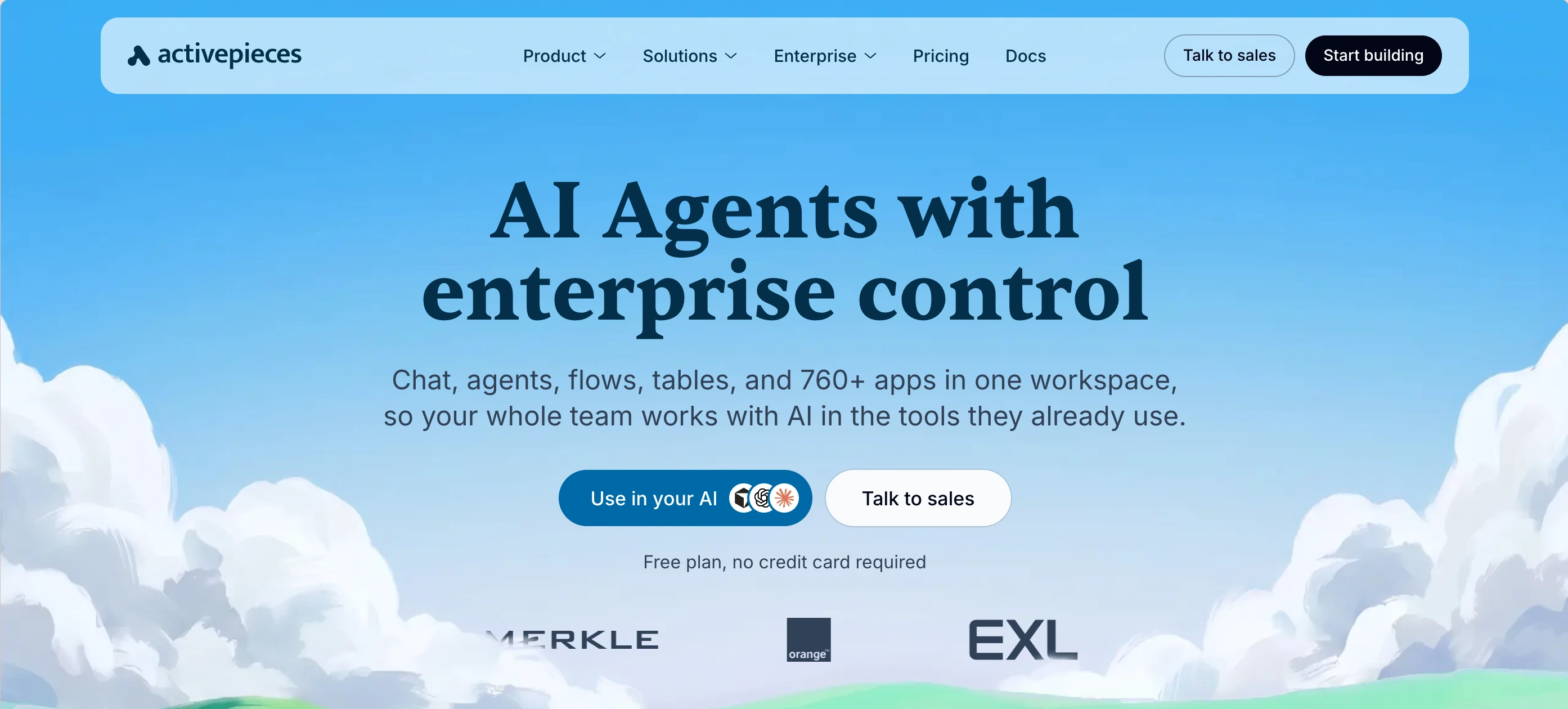
Activepieces is the open-source visual workflow builder that n8n users name first when the license is the dealbreaker. It's genuinely MIT, you can fork it, self-host it, run unlimited flows without paying anyone, and it's the pick for teams that need a truly open license and predictable self-host pricing.
You assemble flows on a visual canvas by chaining triggers and actions from 764+ pieces. Every piece doubles as an MCP server, so your own agent can reach them without extra wiring, and custom code steps cover the gaps. Self-hosted, flows run unlimited; in the cloud you pay per active flow, not per run. A flow that fires 10,000 times costs the same as one that fires once.
Pros:
- MIT license (genuinely open source)
- Per-active-flow cloud pricing with unlimited runs
- Every integration doubles as an MCP server
- Custom code steps when the pieces run out
Cons:
- Smaller ecosystem than n8n
- You build and maintain every workflow
- No AI image or video generation built in (requires your own api)
- No web search function built in (requires your own api)
- Moderate learning curve (takes a few weeks to get fluent with the canvas)
Make
Easier hosted automation, cheaper than running a server
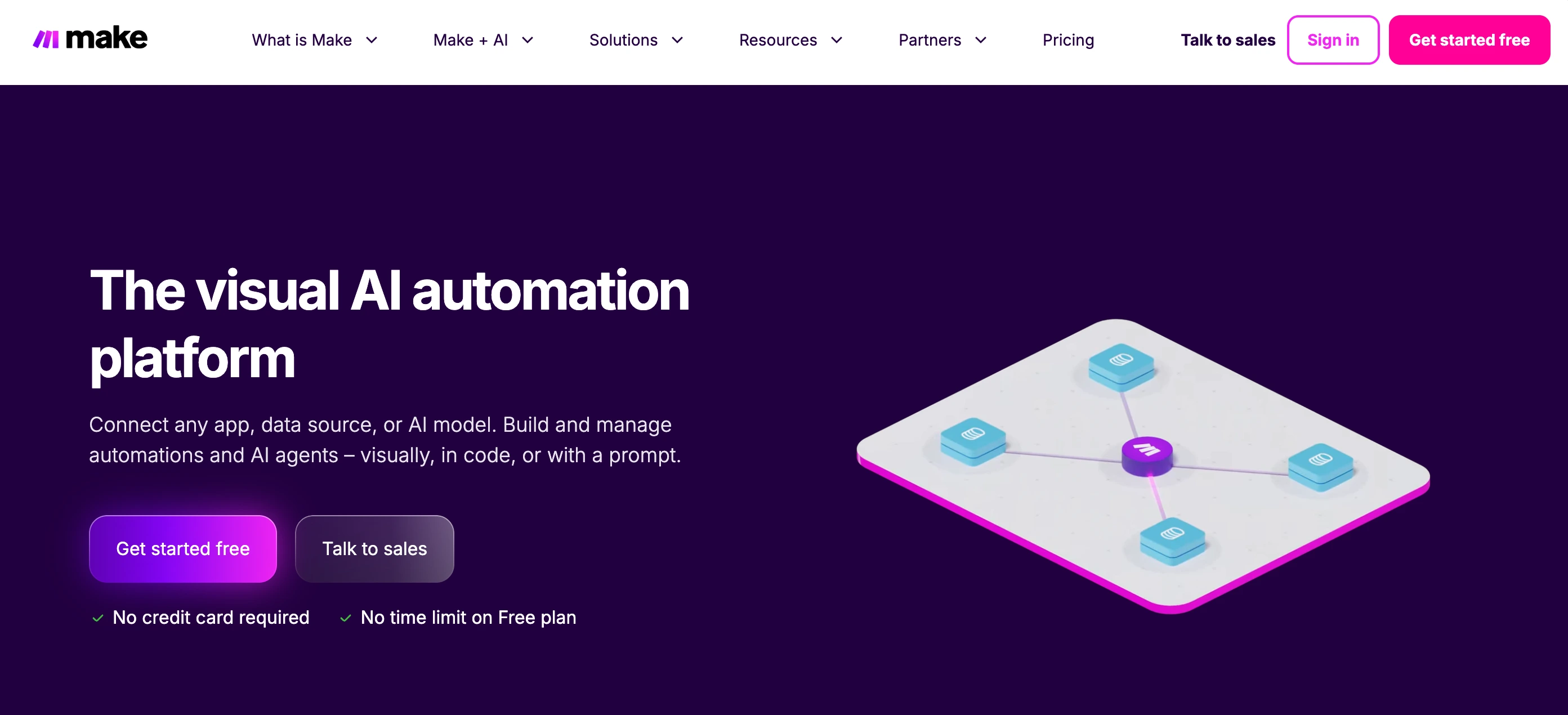
Make is the polished, cloud-hosted visual automation platform for teams that tried owning an n8n server once and quit. It's a drag-and-drop scenario builder with 3,000+ apps and nothing to host. This can be an alternative for non-technical marketing, ops, and finance teams that want a canvas they can see and edit without running any infrastructure.
You drag modules onto a visual canvas to build scenarios, a trigger (say, a new email) then a chain of actions across 3,000+ apps, with routers, filters, and HTTP or code modules for branching. Scenarios run in the cloud on a schedule or when triggered. Billing runs per operation, so every module in a scenario spends your monthly quota and complex flows burn faster.
Pros:
- 3,000+ integrations with a slick drag-and-drop canvas
- Cloud-hosted (no servers to patch)
- HTTP and custom code modules when the catalog ends
Cons:
- Still a workflow builder (you need to maintain every scenario)
- No AI image or video generation built in (requires your own api)
- Per-operation pricing climbs at volume
- Scenario data can train Make’s AI unless you enable 'Data is confidential' mode
- Moderate learning curve (almost weeks to start, months to master complex scenarios)
Zapier
The most apps and the shortest setup
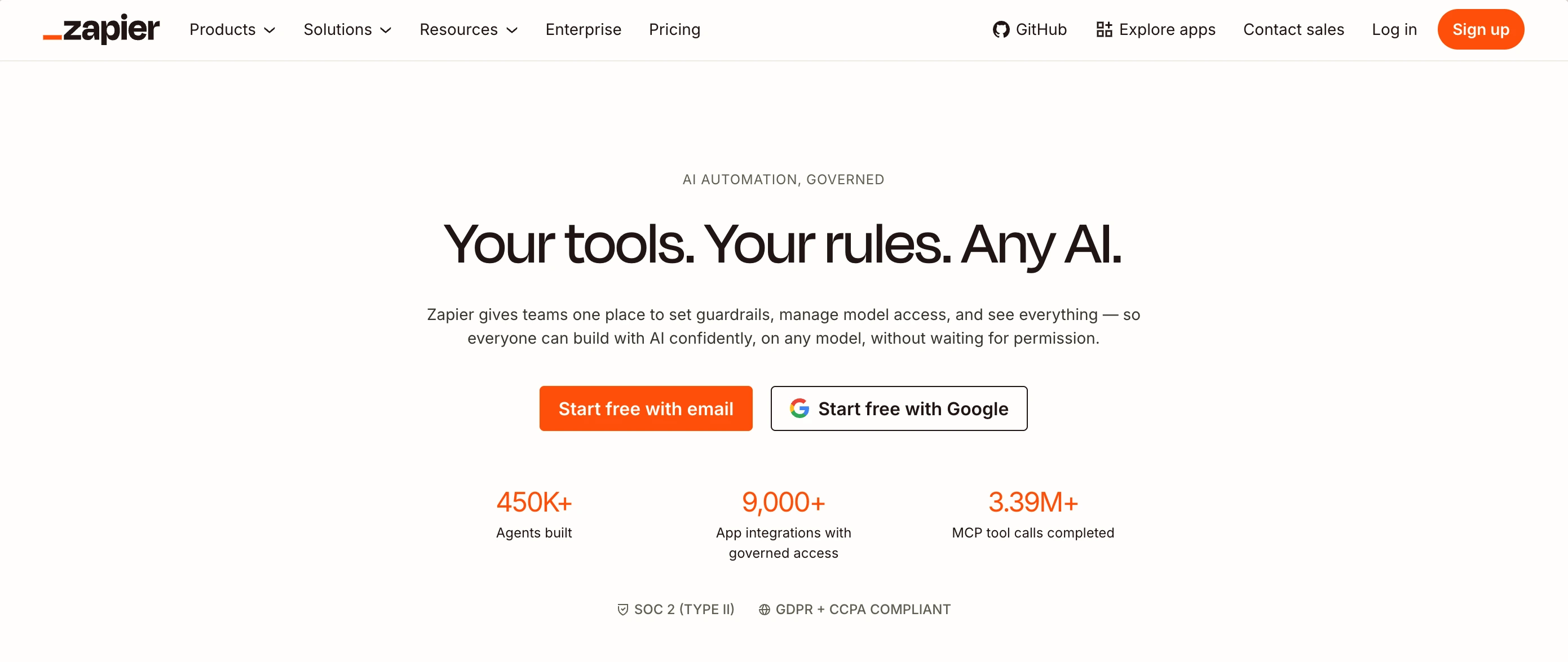
Zapier is the hosted automation platform with the largest app catalog in the category (9,000+ integrations) and the shortest path to a working automation. It's the low-learning-curve choice for small businesses that want automations fast: no server, no developer.
You pick an app that triggers the flow and an app that does the work (when X happens, do Y logic) across 9,000+ apps. Copilot can draft the Zap from a plain-English description, and Zapier Agents plus MCP handle the multi-step reasoning. Nothing to host; you're billed per task, a multi-step Zap counts a task per step, and each MCP call spends two.
Pros:
- 9,000+ integrations (largest catalog in the category)
- Fastest time-to-first-automation for simple flows
- Webhooks and Code by Zapier for custom steps
Cons:
- Per-task pricing gets brutal at volume ($100–$250+/mo at 10k tasks)
- Each MCP tool call costs two tasks
- No AI image or video generation built in (requires your own api)
- No web search function built in (requires your own api)
- Free and Starter plans opt you into AI training by default
Microsoft Power Automate
The obvious pick only inside Microsoft-land
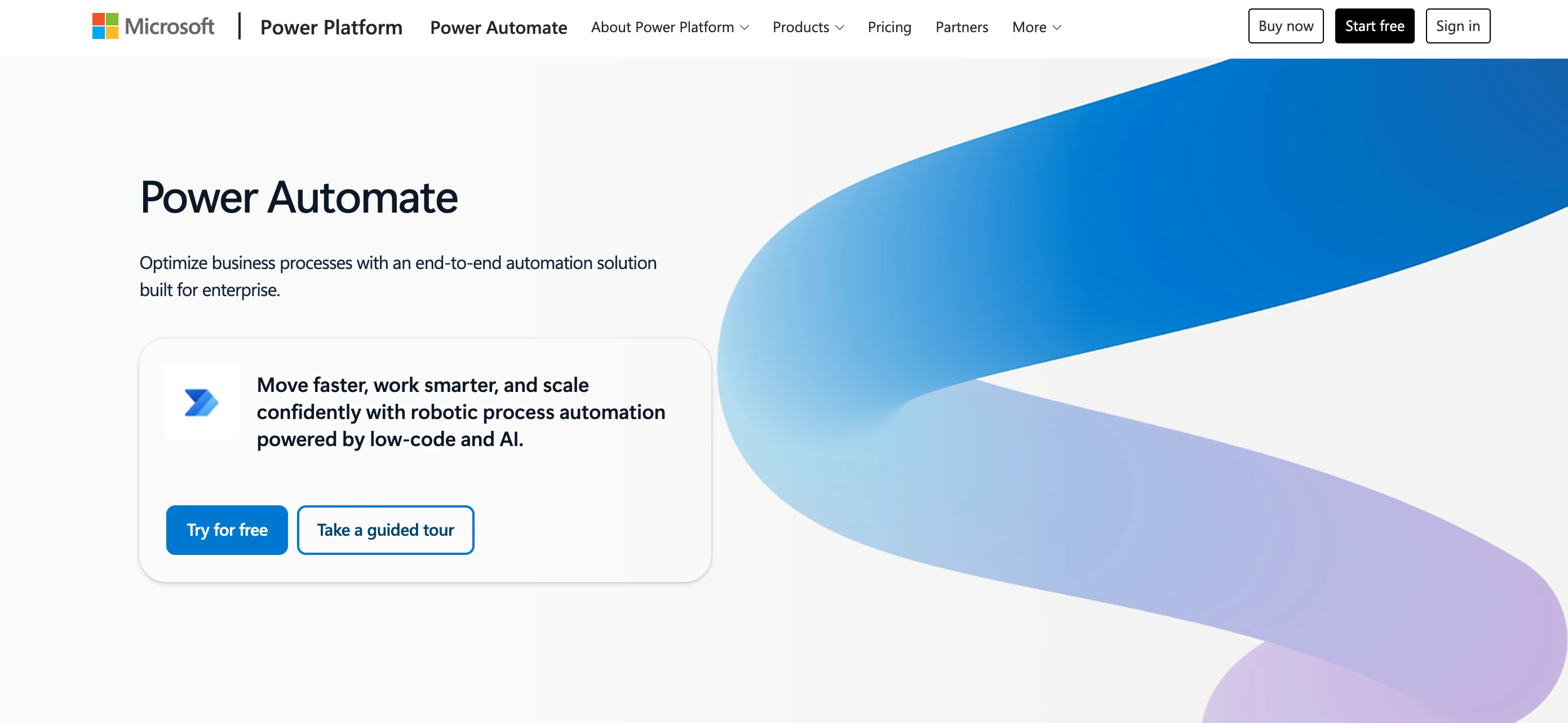
Power Automate is Microsoft's automation platform, native to the Microsoft stack such as Office 365, Dynamics, and Azure connectors with built-in SSO and enterprise governance. It's the obvious pick for large companies already living inside Microsoft 365, where automation slots into the tools they already use.
Inside Microsoft 365 you build flows in a visual editor, automated (event-triggered) or instant (button or request) that is connecting Outlook, SharePoint, Teams, and Excel plus 1,400+ connectors, with Copilot to draft them and AI Builder to process documents. Billing is per user, with RPA bots charged separately, so the cost scales with seats.
Pros:
- Native Office 365, Dynamics, and Azure connectivity
- Built-in SSO and enterprise governance
- HTTP actions and PowerShell for the gaps
Cons:
- Clunky non-Microsoft integrations and UI
- Expensive at scale (per-user plus per-bot costs)
- No web search built in (requires a Bing Search / Azure Cognitive Services API key)
- No AI image and video generation, by design
- Moderate learning curve (hours inside Microsoft 365, slower outside it)
Pipedream
The code-first integration layer
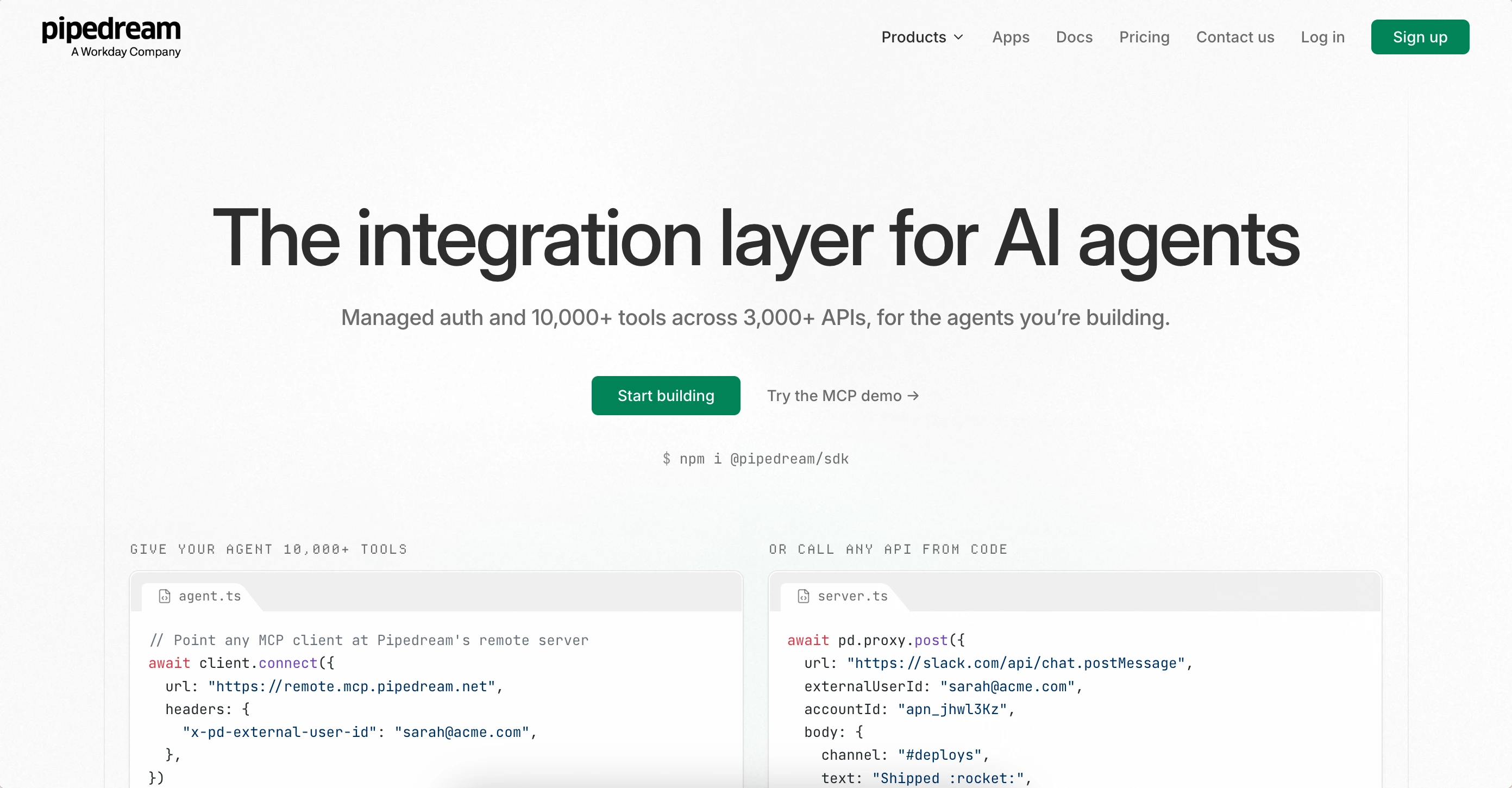
Pipedream is a serverless integration platform built for developers. A code-first environment where workflows are Node.js, Python, Go, or Bash steps instead of drag-and-drop nodes. It's the choice for engineering teams that want API-level control and integrations they can embed inside their own product or agent.
You wire workflows code-first: a trigger (event, schedule, or webhook) then steps in Node.js, Python, Go, or Bash (or pre-built actions) running serverless with managed OAuth on 3,000+ apps. You can deploy the same integrations as MCP servers or embed them into your own product via the Connect SDK. Usage draws down from a monthly credit allowance.
Pros:
- 3,000+ apps with managed OAuth and token refresh
- Code-level control in Node, Python, Go, and Bash
- Deployable MCP servers and an SDK for embedding
Cons:
- Source-available license (not OSI open source)
- Cloud only (no self-hosted option)
- Credit-based pricing adds up as workflows grow
- No AI image or video generation built in (requires your own api)
- No web search function built in (requires your own api)
- Steep learning curve (workflows are all coded in Node.js, Python, Go, or Bash)
Windmill
The self-hosted, code-first orchestrator
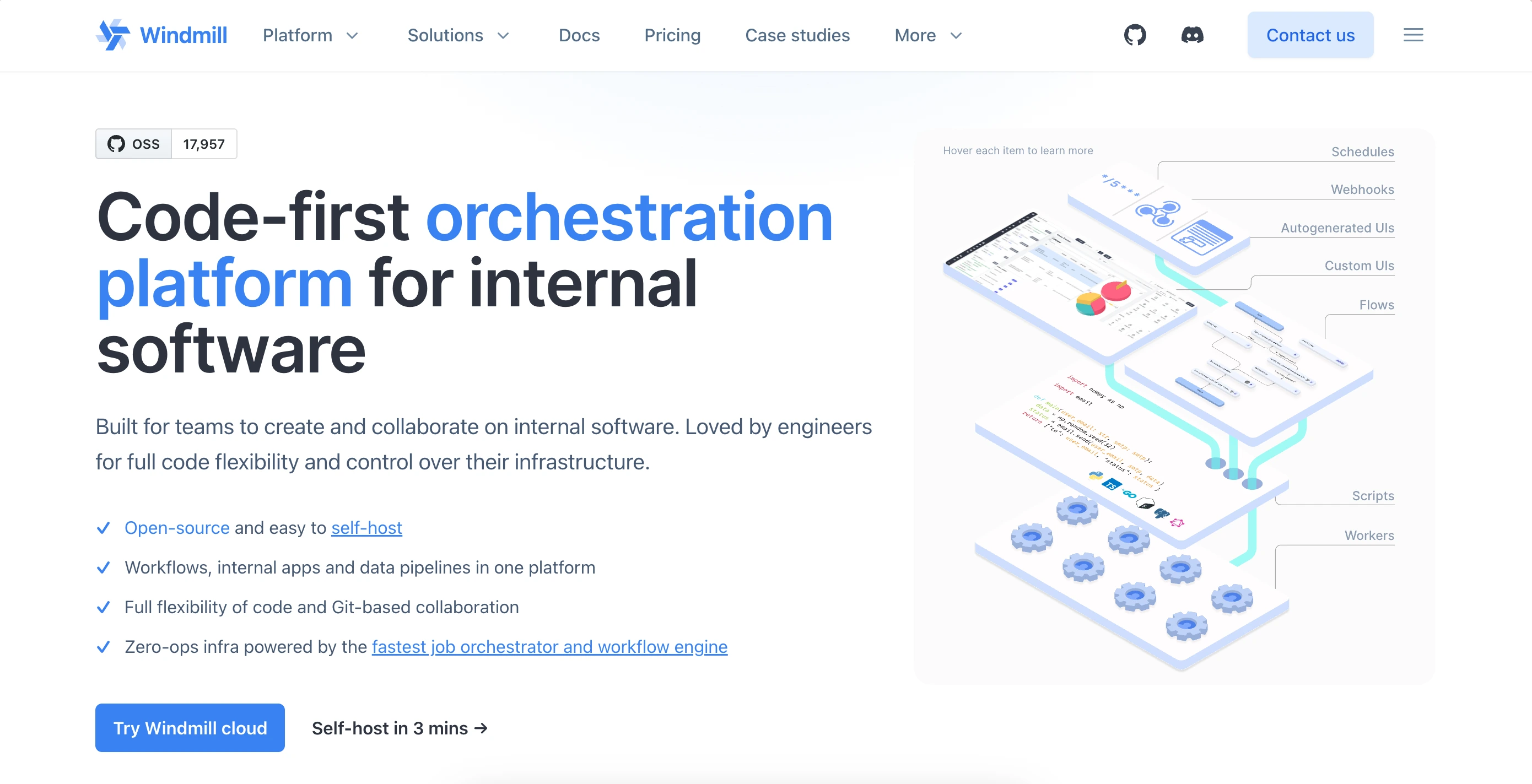
Windmill is an open-source developer platform built around plain scripts instead of drag-and-drop connectors. It's the self-hosted, code-first option for engineers who want automations, APIs, and internal apps written once in code, versioned in Git, and run on infrastructure they fully own.
You write plain scripts in Python, TypeScript, Go, or Bash, and Windmill turns them into scheduled jobs, webhooks, workflows, or internal apps with an autogenerated UI. Every run is sandboxed and everything syncs with Git. It self-hosts in minutes with unlimited executions; billing kicks in per seat plus compute.
Pros:
- AGPLv3 open source (self-host with unlimited executions)
- Multi-language scripts become flows, APIs, and internal UIs
- Sandboxed execution, granular permissions, and Git sync
Cons:
- Code-first (no visual drag-and-drop canvas)
- Smaller SaaS connector catalog than n8n or Make
- AGPLv3 limits commercial embedding
- No web search function built in (requires your own api)
- No AI image generation built in (requires your own api)
- No AI video generation built in at all
- Steep learning curve (you need to write everything in Python, TypeScript, Go, or Bash)
How does each alternative price its plan & its overage charge
This is going to show you how each tool prices its starting plan, and most importantly, how it charges when you run out of usage. It is the hidden cost that most people don’t see, and it is the potential risk that billing gets out of control. With the table below, you can clearly see the numbers and realize which meters can keep billing you quietly.
You can scan down the overage column and the line splits in two: the flat plans end at $0, and everyone else is renting you a meter. That empty cell is the whole difference between a bill you can predict from week one and a bill that rediscovers its price every month.
| Tool | Starting price | Overage charge |
|---|---|---|
| n8n | €20/mo | €13.3 / 1K runs (Business) |
| Zaira | $19/mo | $0 |
| Make | $12/mo | $1.50 / 1K credits (×1.25) |
| Zapier | $20/mo | $0.016 / task (×1.25) |
| Activepieces | $5/active flow | $0.007 / credit |
| Power Automate | $15/user/mo | $0.60 / run |
| Pipedream | $29/mo | $0.0145 / credit |
| Windmill | From $170/mo | $50 / extra worker |
So, which alternative is the best for you?
The best alternative to choose often comes with your position and how much time you would like to spend on getting the outcome. With the guide below, you can have a clearer view on which alternative is the best for you.
If you are a founder or ops lead, you came to n8n to save time and ended up fixing it at night. You want to get works done: follow-ups sent, CRM updated, reports delivered. Not a second job. We recommend starting with Zaira. Just describe the job, connect your tools, and it runs on its own.
If you are a non-technical person / team, you need automations anyone can read and tweak without learning a builder. n8n’s learning curve and server upkeep are the wall. Start with Make or Zapier for a visual canvas you can see and edit, or Zaira if you don’t want a canvas at all.
If you want an OSS & self-host option, which means your data stays on your servers and the license is truly open. n8n’s fair-code license gets in the way. Start with Activepieces (MIT, visual) or Windmill (AGPL, code-first).
Still on the fence? See how people choose here:
| Situation | The Recommendation | The Reason Why |
|---|---|---|
| Your work already runs in an AI agent (Claude Code, Codex, MCP) | Zaira | You get the tools that produce, not another canvas to maintain |
| The fair-code license is a dealbreaker | Activepieces | A truly open license allows you to code & build |
| You don't want to run a server anymore | Make | A hosted canvas that maintains itself |
| You need the most apps and the least setup | Zapier | Get the widest catalog with zero setup |
| Your company runs on Microsoft (365 / Azure) | Power Automate | Get native SSO and governance |
| You ship integrations inside your own product | Pipedream | You get managed auth plus an SDK to embed |
| You want a code-first platform you fully own | Windmill | You get automations and pipelines in code |
Frequently asked questions
What is the best n8n alternative?
It depends on what you're leaving behind. If you want to keep building flows but own the code, Activepieces is the MIT-licensed swap. If you never planned to run a server, Make and Zapier are the zero-ops hosted builders, and Power Automate is the pick inside Microsoft 365. If you'd rather not maintain a workflow platform at all, Zaira handles the outcome in chat. There's no single best tool because the category isn't one job, so start with the constraint that made you search. If that constraint was upkeep, Zaira removes the platform from the equation entirely.
Is n8n open source? What is the fair-code license?
Not in the OSI sense. n8n is source-available under its Sustainable Use License (fair-code): you can self-host and use it internally for free, but you cannot resell it or embed it in a hosted service without a commercial license. For running your own company's automations, it changes nothing; if you plan to sell or white-label automation, review the license before building on it. On this list, Activepieces (MIT) and Windmill (AGPLv3) are the genuinely open-source options, and if the license question is really about dodging platform upkeep, Zaira is the answer that has no license to read and no server to run.
What is the best open-source n8n alternative?
The honest ranking by license: Activepieces is the flow-builder replacement with no commercial ceiling, and Windmill (AGPLv3) is the code-first option for engineers. Both self-host without per-run fees, the main cost is your server. Zaira is the managed-cloud counterpoint if the point is to stop self-hosting altogether.
What is the best free n8n alternative?
“Free” here usually means “bring your own server.” Self-hosted Activepieces or n8n itself run unlimited for the price of a box. On hosted plans, the free tiers are deliberately small. Make gives 1,000 operations a month and Zapier 100 tasks while Zaira's Free plan runs entirely in the cloud with no credit card and no workflow canvas.
What is the best self-hosted n8n alternative?
Activepieces is the closest like-for-like swap: an MIT-licensed visual builder you run on your own Docker stack with unlimited flows, which is the n8n model without the fair-code ceiling. If your workflows are really code, Windmill turns Python, TypeScript, or Go scripts into flows and internal apps on infrastructure you own. Both are free to self-host; the real cost is the server and the time you spend maintaining it. If that's the part you've had enough of, Zaira is the managed counterpart with nothing to operate.
Is n8n better than Zapier and Make?
For technical control, usually yes: n8n self-hosts, ships 1,000+ integrations, runs JavaScript or Python in any node, and goes deepest on AI agents. Zapier wins for non-technical teams and catalog breadth (9,000+ apps, $20/mo to start, per-task billing that gets pricey at volume). Make wins on visual complexity per dollar (3,000+ apps, per-operation billing, nothing to host) but it's cloud-only and less flexible than n8n's code nodes. Pick by who will maintain it, not by the marketing. If the honest answer is “nobody,” Zaira is the option where the work is described in chat and nothing gets maintained.
Is n8n hard to learn? Do you need to be technical?
n8n leans technical. The node canvas has a real learning curve, custom logic lives in JavaScript or Python code nodes, and self-hosting makes it a DevOps job. Most stories about leaving n8n are about the maintenance, not the features. Non-technical teams land on Make or Zapier for a visual canvas, or Zaira if they don't want a canvas at all.
How much does n8n cost, and why does it get expensive?
Self-hosted, n8n is free, you pay for a server and your time. n8n Cloud starts around €20/mo for 2,500 executions, then meters per execution, with a Pro tier near €60/mo for 10,000; loops and AI nodes burn executions faster than most teams budget for. That per-run metering is why so many people search “n8n alternatives”, flat plans like Zaira's, or per-flow pricing like Activepieces, remove the surprise entirely.
Is Activepieces a good n8n alternative?
It passes the three tests people actually run: the license is MIT with no ceiling, the pricing is per active flow rather than per run. A flow that fires 10,000 times costs the same as one that fires once, and MCP ships across the catalog. The one test it keeps failing is depth: n8n's individual nodes go further, so a team that lives in JavaScript or Python should look at n8n or Windmill first. If you don't want to maintain a canvas at all, you should definitely look into Zaira.
Can I migrate my n8n workflows to another tool?
Not by import. No tool here reads n8n's export format, so each workflow is rebuilt by hand in whatever you land on. The fastest path is Zaira's: inventory the n8n flows that actually matter, restate each as a plain-English outcome, run them in parallel until the new output looks right, then turn the old workflows off. Most teams finish in days rather than weeks; the more custom code your flows carry, the longer the rebuild, but it's a one-time job, because once outcomes run in Zaira there is no canvas left to maintain.
Is there an n8n alternative that doesn't require building anything?
Yes, and that's the slot Zaira fills on this list. Every other alternative, n8n included, expects you to design flows on a canvas: triggers, nodes, routers, and error branches you build and then maintain. Zaira inverts it. You describe the outcome in chat (“draft follow-ups for cold leads”), connect Gmail, HubSpot, and Slack, and it runs the work. Nothing to drag, nothing to debug.
Does anything on this list handle broken integrations and API changes for me?
No builder does. This is exactly how a workflow dies on a Tuesday when an API moves, a node breaks on update, or a credential expires, the problem this article opened with. Zaira maintains its integrations for you, so API changes and outages get handled on the platform side instead of becoming your weekend job.
How is Zaira different from Zapier, Make, and Activepieces?
Those three are visual builders that still leave you maintaining flows; Zaira drops the canvas entirely. Zapier and Make bill per task or per operation and scale with volume, while Zaira Pro is a flat $19/mo with unlimited automations. Activepieces is MIT open source you can self-host; Zaira is managed cloud, the trade-off is that you will never have to worry running a server.
Can Zaira replace n8n completely?
For many ops and content jobs, yes. Keep n8n (or another builder) when you need self-hosting, heavy custom code nodes, or air-gapped deployment. Hybrid stacks are common.
How does Zaira's pricing compare to n8n?
n8n's cloud starts around €20/mo and rises with execution tiers, plus hosting if you self-host, plus any image or video APIs you wire in. Zaira Pro is $19/mo flat with unlimited automations; media generation uses credits rather than per-workflow execution fees.
Sources
- n8n plans and pricing
- n8n Series C announcement ($180M, $2.5B valuation)
- Activepieces pricing
- Make pricing
- Zapier plans and pricing
- Microsoft Power Automate pricing
- Pipedream pricing
- Windmill pricing
- n8n Sustainable Use License (fair-code)
- Activepieces license (MIT)
- Windmill license (AGPLv3)
- Pipedream repository (source-available license)
- n8n privacy policy (no AI training)
- Make security
- Make privacy and GDPR
- Zapier data privacy and security
- Activepieces Trust Center (SOC 2)
- Pipedream privacy and security (SOC 2 / HIPAA)