If you are looking for the best alternative for OpenClaw, then this page will be the most important message you'll read today.
Many people, just like you, have been looking for a better alternative to OpenClaw. Even though it is free and open-source, there are still many issues happen from time to time.
Uncontrollable costs, unconfirmed heartbeats that cost users over $1,000 overnight and endless updates that have to keep up.
While the goal you use AI is to make your work faster, it ends up having you to pay more and get less work done.
That's why we want to write this article to show you the options you have, and help you to get your works done faster, easier and way more efficient than you can imagine.
In just a few short paragraphs, you will see the tool that feels it is designed for you, just like many others, so read on, it can be easier than you think.
How do we compare these 7 alternatives for you?
Most lists outside on this topic rank by how impressive the tool sounds. Oftentimes, they exaggerate, which is why many have to spend time again to find the best alternative. And that is not how this one is designed to do. Every claim below was read off a first-party source on October 18, 2026.
We do not messure the tools based on their popularity like their Github stars or the hype they have on social media platforms. Instead, we've battle tested every tool with the 6 criteria below, so you can make the decision that is right and personalized.
Here are the six questions:
- Is it safe & secure to use?We look at whether the tool truly keeps each job apart from everything else — like running it in its own sealed box — rather than just asking you to trust a list of rules inside one program. OpenClaw itself ships with this protection turned off by default, which is why safety comes first here.
- What does it cost per month?Free software is not free to run. We add up the AI model charges, the computer it runs on, and the hours you spend looking after it. Then we compare that to the ready-made options where the model is already included in the price.
- Can I bring my setup across?Almost none of these tools can pick up the setup you already have. We only count a move that the tool's own documentation describes, and we say plainly which ones have none, so you are not planning a migration that does not exist.
- Who can fix it when something breaks?This is the question people skip and then regret. A tool you run yourself is a tool you keep alive, back up, and update, often at midnight. We check who is actually responsible when something stops working.
- Do you have maintain it yourself?A big star count does not mean a tool is alive. We check when it was last updated and when it last shipped a release, because a popular tool that nobody maintains is worse than a small one that is actively looked after.
- Can it still be self-hosted?The most interesting thing that happened in 2026 was a tool that looked like it was self-hosted quietly becoming cloud-only. We flag those changes instead of listing them as self-hosted, so you know what you are really getting.
See the 7 alternatives that can make your work faster & easier
We hand pick these 7 tools that can replace your OpenClaw, so you can continue your workflows more efficient and less headaches.
The reason we pick them is not because how many Github stars they have, or based on any hype but if it is truly useful and able to get the job done.
In the following, you will see how they can help you be more efficient without having to deal with the issues that OpenClaw has.
Zaira
An AI agent that has done everything for you, no need to maintain or figure things out yourself
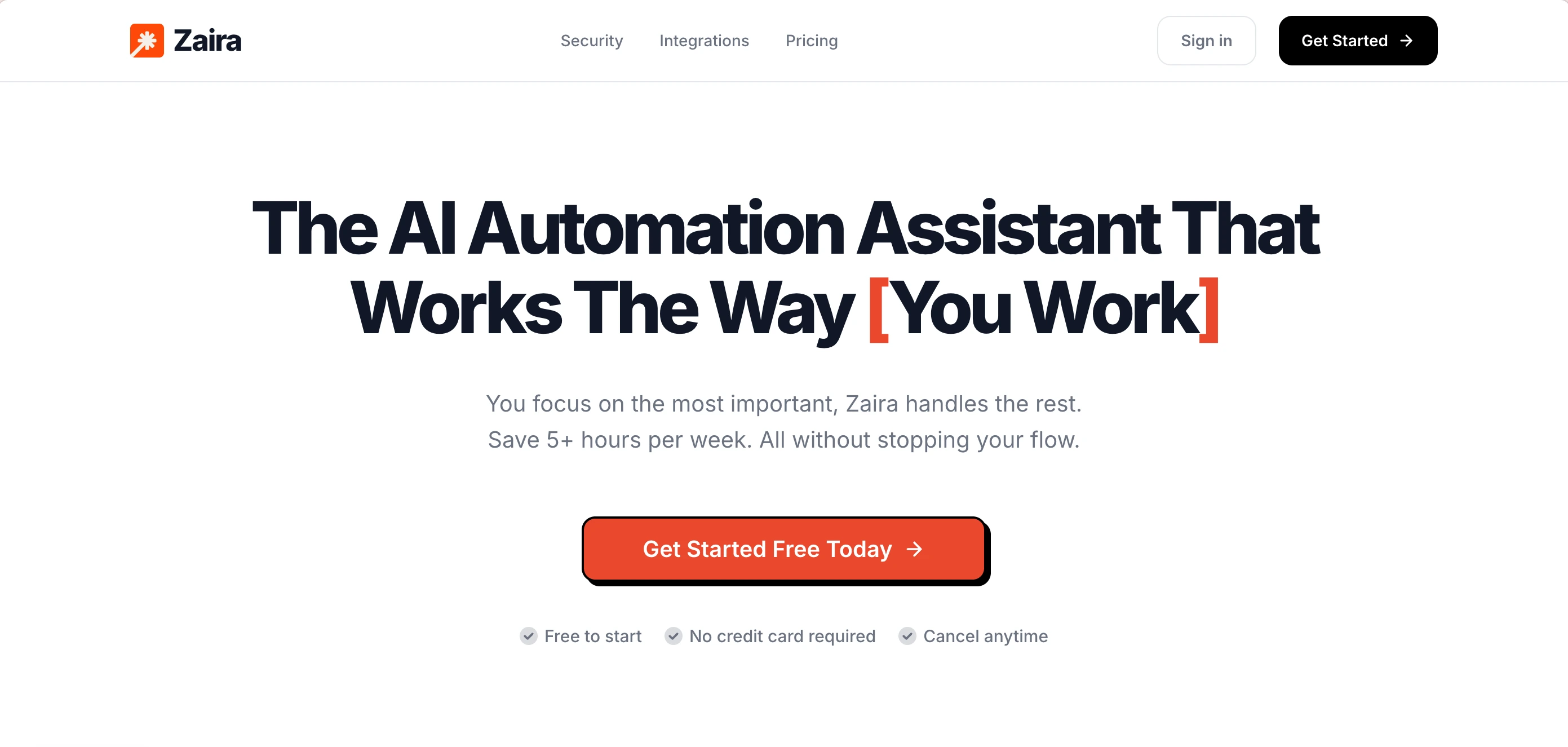
Zaira is a ready-made AI agent. It is designed for non-technical people to use. There's no need to figure out the set up yourself, no new updates you need to keep up, and no overcharging risk in any cases. Whevener you open it, it is ready to use.
The best part? It is made to automate your workflows. You describe the result you want, it will give you the automation proposal that is ready to run. And here's more, Zaira can look into your existing connected apps then find out what tasks can be automated with just one simple click. (no need to prompt at all!) Plus, it can learn the way you work, then work the way you want it to, no need to prompt the same thing over and over again.
Pros:
- Everything is done for you (nothing to figure out yourself)
- $0 to start, paid plan starts at just $9/mo
- One click to find missing opportunities in your workflows
- 100+ real apps integrations
- Schedule automations, or run on a trigger
- 40+ frontier AI models
- Frontier AI image model built in
- Frontier AI video model built in
- You won your own data
Cons:
- Online only. No self-hosted version.
- It does not have the computer use feature.
Hermes Agent
The closest swap, and the only one with a real way to bring your setup
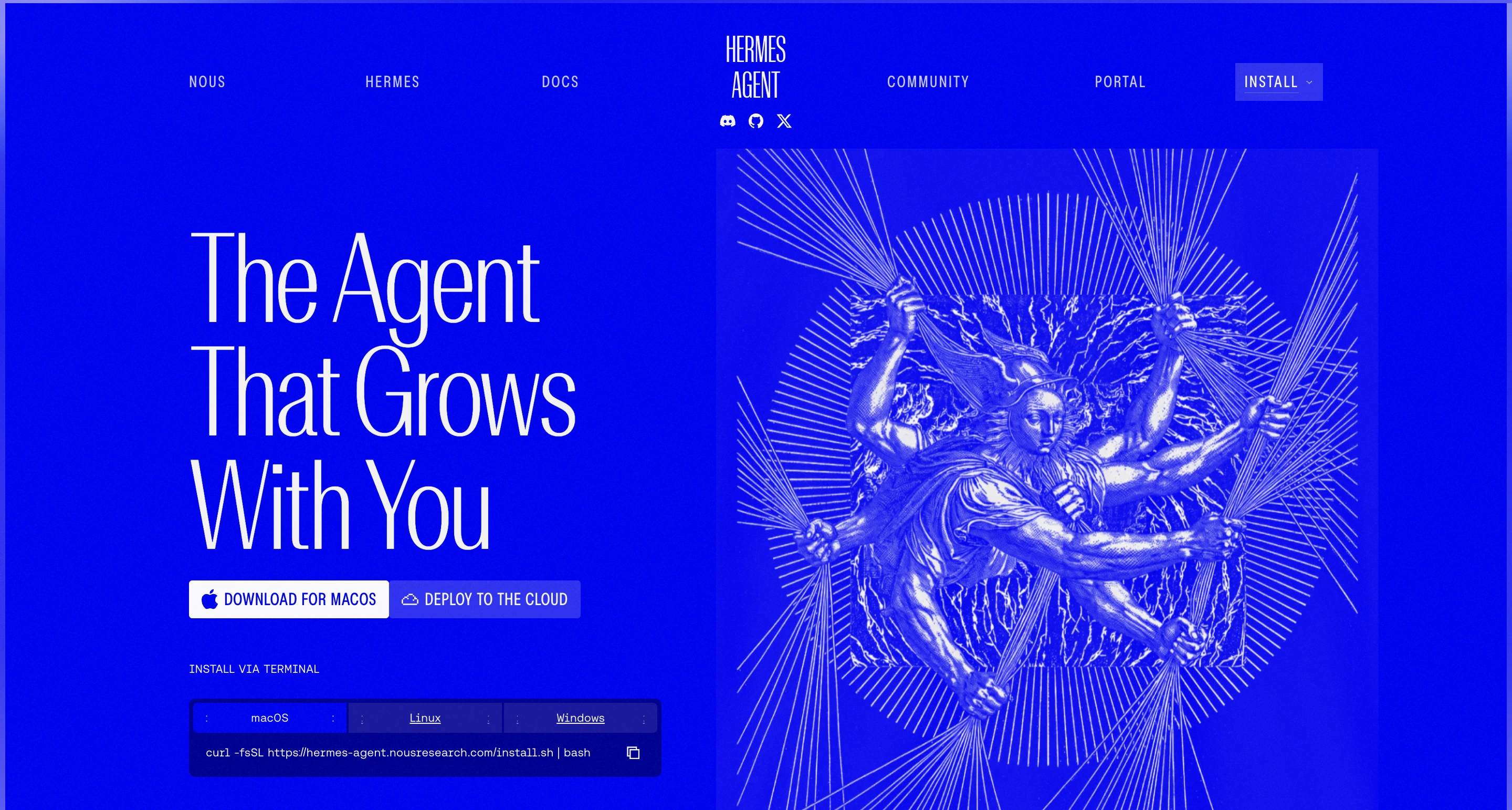
Hermes Agent is a personal assistant you run yourself, made by Nous Research. It is free and open source. It is the closest thing here to a straight swap: the same kind of product, similar ways to talk to it, and it learns by turning work it has finished into reusable pieces, instead of waiting for you to write them. It is also the only alternative on this page that comes with an official way to bring your old setup across.
You run it yourself, and it talks to you through Telegram, Discord, Slack, WhatsApp, Signal, email, or a terminal. It remembers past conversations, and it learns by turning finished work into reusable pieces. You can point it at whatever AI model you like — its own is optional — and you can wall it off from the rest of your computer in several ways.
Pros:
- Free and open source, so you can read and change every part of it
- Comes with an official way to bring your OpenClaw setup across
- Learns by turning finished work into reusable pieces
- Works with any AI model you choose
Cons:
- Around 55,000 open issues. That is a lot of unanswered questions.
- Written in Python, so it uses more memory than the smaller options
- You still have to run, update, and protect it yourself
- A much smaller library of ready-made pieces than OpenClaw's
ZeroClaw
The same idea, rebuilt as one small program
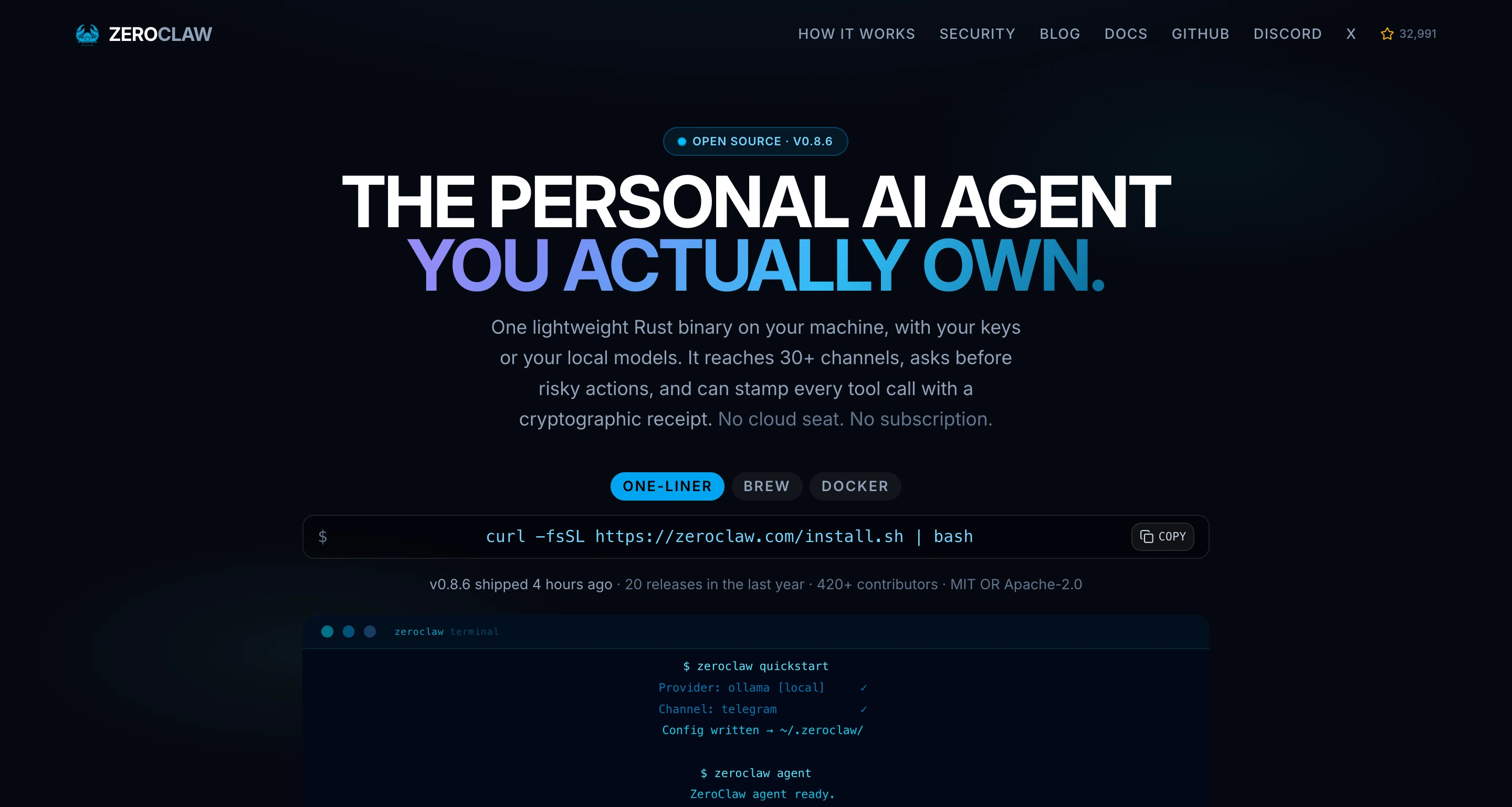
ZeroClaw is a rebuilt-from-scratch version of the same kind of assistant, made to be small and easy to put anywhere. It comes as a single program, reads the same ready-made pieces the rest of this space uses, and can connect to more than 30 chat services and around 20 AI providers. Out of the box it asks your permission before doing anything risky.
It is one program with one settings file and a control panel on your own computer. You keep your reusable pieces in the layout it expects rather than OpenClaw's. It can wall itself off from the rest of your computer in several ways, and it can install ready-made pieces from a web link or a public catalog.
Pros:
- Free and open source, with new releases every week
- Can wall itself off from the rest of your computer, not just ask permission
- Reads the standard file format, so your reusable pieces stay portable
- Runs comfortably on a cheap, small computer
Cons:
- No automatic way to bring your OpenClaw setup across. You move it by hand.
- Very rough around the edges. It is a tool, not a finished product.
- Smaller community and fewer ready-made connections
- Its license is unclear: two different licenses are claimed in different places
NanoClaw
A fresh sealed box for every task — the safety answer
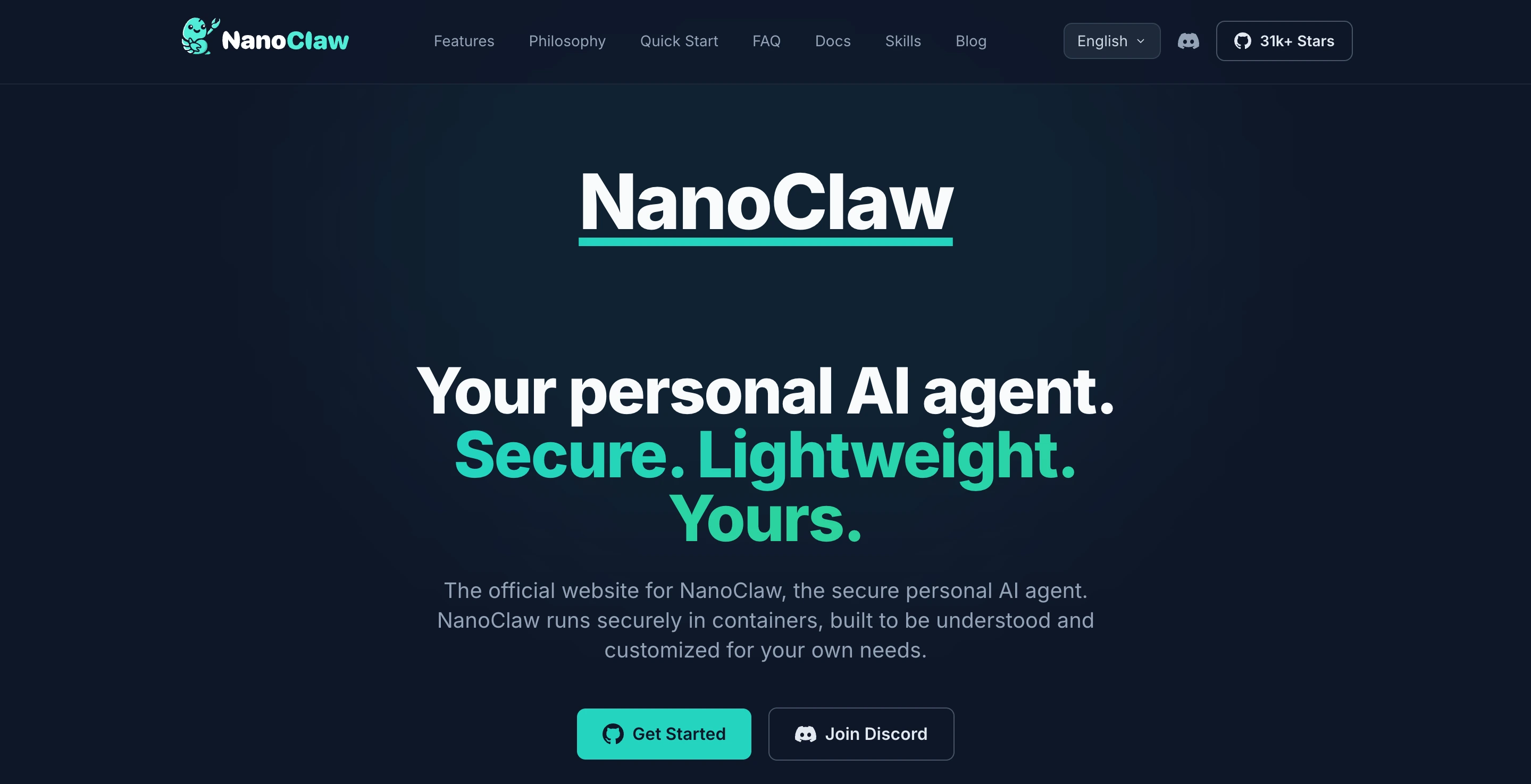
NanoClaw is built around the exact concern that pushed many people off OpenClaw: safety. Its own documentation is unusually blunt — the usual setup runs everything in one shared process, and its safety comes from a set of rules rather than true separation. NanoClaw's answer is to give every active task its own sealed box that is thrown away afterward. It is made by NanoCo, an independent company, which raised $12M in May 2026.
Every active task gets its own disposable box that runs with the lowest possible permissions and cannot gain more. It supports a few ways to run those boxes, including a stronger, hardware-separated option. The honest limit is one the project states itself: tasks in the same group still share a workspace, so the group, not the task, is the real boundary.
Pros:
- True separation between tasks, rather than rules inside one process
- Free and open source, actively updated by a funded team
- Backed by a funded company with a real team
- A stronger, hardware-separated option is available
Cons:
- Tasks in the same group still share a workspace
- Open network access by default unless you turn it off
- Newer, with a smaller community than OpenClaw
- Still yours to run, update, and protect
Claude
Anthropic's assistant — which quietly moved to the cloud
Claude is Anthropic's assistant. Its desktop helper used to be a separate product called Cowork, but on September 16, 2026 it was folded into Claude itself, so chatting and getting things done became one product. It is a strong choice for files, folders, and writing. Two things are worth knowing before you pick it, and neither is on the sales page.
It runs inside the Claude app on Mac, Windows, the web, and phones, and it needs a paid plan. It used to run on your own computer, inside a sealed box. Then, on October 6, 2026, Anthropic began running new tasks in the cloud instead and removed the setting that kept them only on your computer. Tasks you had already started stayed local; new ones do not.
Pros:
- Excellent with files, documents, and long writing tasks
- Built and maintained by Anthropic itself
- Backed by a leading AI lab with a published safety policy
- Available everywhere Claude is
Cons:
- Cloud-first since October 6, 2026. The local option is gone.
- Paid subscription only — there is no free version
- Built for conversation, weaker than a builder at running whole business processes
- The change is one-way: you cannot go back to separate Chat and Cowork
Perplexity Computer
A cloud worker built for research-shaped work
Perplexity Computer launched in February 2026 as a general-purpose cloud worker. Instead of picking one AI model, it uses nineteen of them together, connects to more than four hundred services, and can run jobs that last for hours or months while remembering what it did last time. It is a genuinely different kind of product from an assistant you run yourself, and for research-heavy work it fits better than anything else here.
You describe what you want, and it builds and runs the work across the services it connects to, with extra abilities and a Slack connection on top. It runs in Perplexity's cloud, not on your computer. There is also a version that puts a dedicated Mac mini in your office, but it is waitlist-only and not generally available.
Pros:
- Uses nineteen AI models together behind one interface
- Connects to 400+ services and remembers across long jobs
- A free version exists, though it does not include Computer
- Available on the Pro plan, not waitlist-only like the Mac mini version
Cons:
- Cloud only — the local version is a vendor-supplied Mac mini on a waitlist
- The free plan has no Computer access, so you must pay to try it
- Built for research and summarizing, not for managing your own systems
- The most expensive managed option here at the top plan
Manus
A capable cloud worker with a complicated ownership history
Manus is a cloud assistant built for long jobs that run on their own. Version 2.0, in late September 2026, added new working tools, a cloud computer, scheduled jobs, and a studio. Its ability is not the question. Its ownership is, and that is why it sits at seven rather than three.
It runs in a cloud space controlled by the company, and can carry out multi-step work with little guidance from you. Pricing plans exist, but the numbers are not published in a way you can check from the public page, and the top plan lets you use your own AI model key.
Pros:
- Built for long jobs that run on their own with little prompting
- Cloud-based, so there is nothing for you to run or update
- Actively developed — 2.0 shipped in September 2026
- Top plan lets you use your own AI model key
Cons:
- Meta agreed to buy it in December 2025. China's regulator ordered the deal undone in April 2026. It has been independent again since September 1, 2026.
- Three ownership changes in ten months. Ask where your data goes before you commit.
- Pricing cannot be checked from the public page
- Cloud only, and built to run for a long time, which is hard to keep an eye on
So, which one is right for you?
We know it can be hard to make the decision, but as people have been using the tools we just shared with you, not one tool that is designed for everyone. So with the content below, you can quickly find out what tool can be the best for you without scratching your head in wonder.
Want an AI agent without any manual maintenance?
PickZaira
Zaira has had 100+ integrations while being able to allow you automate your workflows with AI. Plus, you can just connect your tools, then let Zaira to find out what can be automated in your day to day life.
Want real isolation?
PickNanoClaw
If safety is what sent you looking elsewhere, judge these by how well they keep one job apart from everything else. NanoClaw puts each task in its own sealed box. IronClaw goes further and seals off every tool separately.
Want to keep what you built?
PickHermes Agent
Almost nothing can pick up the setup you already have. Hermes Agent is the exception: it comes with an official way to move your old setup across, and once you are there it starts building new pieces for you.
Want the smallest footprint?
PickZeroClaw
ZeroClaw is one small program that asks very little of your computer. It is the cheapest of the ones you run yourself, and the closest to just leaving alone — though there is no automatic way to bring your old setup across, so you move it by hand.
Want the strongest model for documents?
PickClaude
Claude is the best of the ready-made options for writing and working with documents. One price covers everything, and there is nothing for you to run. What you do not get is something you own.
Want live-web research across many models?
PickPerplexity Computer
Perplexity Computer is hard to beat when your work depends on searching the live web, and it draws on several different AI models instead of one. Like Claude, it is ready-made and sold as a subscription, so you still give up ownership.
Frequently asked questions
What is the best OpenClaw alternative?
It depends on which wall you hit, and that is the whole point of this page. If the bill is the problem, Zaira is managed and flat. If you want the same self-hosted product with less to rebuild, Hermes Agent is the closest swap and the only one with a documented import command. If the sandbox architecture is the problem, NanoClaw is built around isolation. Section 01 ranks all seven by how much of your setup actually survives the move, which is the number that should decide it.
Do I still have to build things with these tools?
Mostly, yes. Every self-hosted option here is still an agent you configure — skills, channels, permissions, model endpoints. What changes is the shape of the work: Hermes writes skills from experience, ZeroClaw sandboxes at the OS level, NanoClaw isolates each session. None of them removes the setup. The only option on this page where you describe a result instead of building the steps is the managed one, and that is a different product category rather than a better version of the same thing.
Is there any alternative that doesn't server maintainance requirement?
Yes, and that is the gap this page keeps coming back to. Zaira, Claude, Perplexity Computer, and Manus are all managed — there is no gateway to run and nothing to patch. What you give up is ownership: your data sits with the vendor, and you cannot audit the machine. If that trade is fine, it is a large one. If it is not, the self-hosted options are the honest answer.
Can I import my OpenClaw skills?
Almost never. Hermes Agent is the exception: its documentation includes `hermes claw migrate`, an explicit import path from the incumbent. ZeroClaw reads the same SKILL.md-plus-frontmatter format, so your skills are portable, but it ships no documented automatic importer and uses its own directory layout — you move them by hand. Nothing else on this page imports anything. Plan for a rewrite of the jobs rather than a copy of the files.
Which OpenClaw alternative is best for security?
Zaira is the safest choice for most people, because there is nothing for you to run, patch, or secure at all — the gateway, the host, and the sandboxing are all handled for you. If you want to keep running your own assistant, NanoClaw is the best of the self-hosted options: it is the only one built around the isolation gap rather than around features, running each session in a disposable container with all Linux capabilities dropped and new privileges disabled, with microVM isolation available through Docker Sandboxes. Two caveats it documents honestly: sessions within one agent group share a writable workspace, so the real unit of blast radius is the agent group, and network egress is open unless you set NANOCLAW_EGRESS_LOCKDOWN. If you want the strongest isolation claim available, IronClaw's per-tool WASM sandboxing goes further.
What is the cheapest way to run one of these?
Zaira is the cheapest to start: it is free to begin and $9/mo Pro, with the model included and no overage. Perplexity Computer starts at $17/mo. Among the self-hosted options, ZeroClaw is the cheapest to run because it is a single Rust binary with a small memory footprint, and Hermes is the heaviest because it is Python. Every self-hosted option still carries a model bill on top, so the honest comparison is against a flat managed price, not against zero.
Does Zaira replace OpenClaw?
Yes. Zaira can replace OpenClaw for the work most people actually use an agent for: running jobs across the apps you already use — email, CRM, billing, reporting — on a schedule or when something happens. It does not drive your browser, run shell commands, or read your local filesystem, so if you will not need to worry about your sensitive information gets accessed by AI on your computer.
Why do some blogs say NanoClaw is an Anthropic product?
It is not, and it is worth flagging because the claim keeps circulating. NanoClaw is made by NanoCo, an independent company that raised a $12M seed in May 2026. It is built on Anthropic's Claude Agent SDK — that is a dependency, not ownership. Anthropic's Cowork product is a completely separate thing, and it was merged into Claude on September 16, 2026. The two get conflated constantly.
Why is Manus last if it is one of the most capable?
Because ownership is a buying criterion. Meta agreed to acquire Manus in December 2025 for a reported figure above two billion dollars. In April 2026 China's National Development and Reform Commission ordered the deal unwound. As of September 1, 2026 it is an independent company again. Three ownership changes in ten months is a lot of change for a product that holds your data, and its pricing is not published in a form you can verify. The capability is not the issue. The uncertainty is.
Can I run OpenClaw and the new tool at the same time?
Yes, and for the first week you should. Keep the old gateway alive and run the new tool in parallel until it has produced output you trust. Agents fail quietly, and a quiet agent looks exactly like a working one right up until the day it does not. Running both is the cheapest insurance you can buy, and it costs you nothing but a second weekend of attention.
Will I lose the agent's memory and history?
Yes. No destination on this page imports OpenClaw's conversation history or its memory, so every move starts fresh on that front. The good news is that memory was never the valuable part — your job list and your intent were, and those live in your head, not in the database. Write them down before you move and the fresh memory fills itself back in within a week of real use.
How long until I'm back where I was?
For a like-for-like move to Hermes or ZeroClaw, plan one evening to import or hand-move your skills and a week of parallel running to trust it. For anything that means rebuilding the wiring, budget a weekend, not an evening. If you move to Zaira, there is no wiring to rebuild: it goes through your connected apps to learn how you work, so it can start working the way you do quickly, and most people are back to where they were within a few days of real use. The rewrite is usually faster than people fear, because you already know exactly what you want the agent to do — that knowledge was always the expensive part.
How do I move from OpenClaw to something else?
Four steps, and the first one is the one everyone skips. Write down what the agent actually does today — most people find three jobs that matter and a long tail they have forgotten. Decide which single thing you are optimising for: isolation, cost, or zero maintenance. Move only what carries over, and expect to rewrite the rest as job descriptions rather than copy the wiring. Then run both for a week, because agents fail quietly and a silent agent looks exactly like a working one.
Information sources
- OpenClaw repository — star count, MIT licence, TypeScript
- OpenClaw heartbeat docs — the 30m default, activeHours, and the full-turn token warning
- OpenClaw token use and costs — prompt assembly, /usage cost, and context-window caps
- OpenClaw sandboxing docs — sandbox.mode defaults to off
- OpenClaw Foundation — 501(c)(3), governance and partners
- NVD — CVE-2026-25253, CVSS 8.8 High, fixed in 2026.1.29
- GitHub advisory GHSA-g8p2-7wf7-98mq — gateway token disclosure
- Hermes Agent repository — 254,770 stars, MIT, migration command
- NanoClaw repository — 30,964 stars, MIT, container isolation
- NanoClaw documentation — per-session containers and the agent-group caveat
- ZeroClaw repository — 32,990 stars, Rust, licence ambiguity
- ZeroClaw v0.8.6 release assets — actual binary archive sizes
- IronClaw repository — per-tool WASM sandboxing
- PicoClaw repository — Sipeed, Go, MIT, active
- NemoClaw repository — NVIDIA OpenShell
- nanobot repository — HKU Data Science Lab, Python, MIT
- Anthropic — Cowork and Chat merged into Claude
- Perplexity Computer — product page and model orchestration
- Perplexity pricing — Pro $17/mo, Max $167/mo
- Manus — independent operations resumed September 1, 2026
- Monthly search estimates for the three project names
Deeper dives, find the best for yourself
Sometimes someone searches for a personal agent when what they actually need is automating work across the business apps their team already pays for. Those are a different category, and we have written it up properly.