Make lets you build automations by dragging blocks onto a canvas. It is friendly, and it connects 3,000+ apps. For a lot of people, it is easier than Zapier. So why look for something else?
Here is the catch. Make bills per operation. Every block spends an operation. A loop spends one for each item. So a small-looking scenario can use a lot of them each time it runs. When AI runs the work, it takes many steps, and the count runs up fast.
Picture this. A scenario that ran for six months stops on a Tuesday. You changed nothing. An app moved its API. A login expired overnight. Now the job is on you again. Not because Make is bad, but because keeping the scenario alive became the real work.
This guide shows you 7 Make alternatives and who each one is for. Six of them still make you build a flow. The real question is simple: do you want a better builder, or do you want to stop building altogether?
In 8 short sections, you will see your choices. Best of all, you will find the one that fits how you work.
Why people look past Make in 2026
People came to Make for good reasons: 3,000+ apps, a free plan, and a canvas that is easy to read. It is a real step up from a simple two-app tool. Then they run real work through it, and the operation count tells a different story.
Make bills per operation. One block equals one operation. A loop spends one per item. Filters, error steps, and HTTP calls add more. A scenario that looks small can burn a lot of operations each run. So the busier the work gets, the more the same job costs.
Then AI arrives. An agent does not run once and stop. It checks a source, retries a step, drafts, and tries again. On a per-operation meter, all that effort is billable. You are charged for how hard it worked.
There is a second cost, too. Scenarios can break and say nothing. An app changes its API, and a step stops. You may not notice for days. If you own the flow, you own the fixing. Many people wanted the work done, not a new chore.
That is why the search keeps growing. Some people want a cheaper meter. Some want open source. Some want to stop building flows at all. This guide covers all three.
First, here is how we compared the tools, so you don’t trade one problem for another.
How we compared these 7 tools
Every tool below is tested with the same six questions. The first three are about fit: can you run it, what does it cost, and who runs it day to day. The last three are about limits: does it work unattended, does it know your apps, and what does switching cost. We compare the result, not just the feature list.
Here are the questions we used:
- Can you run it yourself?Can you host it on your own computer? Does the license allow what you plan to do? Can your data stay where the law says it must?
- What does it really cost?We run the same job through every price meter. Then we show which ones keep charging you once AI gets involved.
- Who runs it day to day?For each tool we name who keeps it alive after setup. You, an engineer, a team, or a founder. Then we show what that upkeep really takes.
- Does it work while you sleep?Four things decide this. Does it run on its own? Does it remember between runs? Does it act without asking you at every step? Can you steer it when it goes wrong?
- Does it know your apps?You will see how deep the app connections go. You will also see where you might hit a wall and have to build your own way out.
- Is it easy to switch?No tool here can import your Make scenarios. You rebuild them by hand. The good news: most teams finish in days, not weeks.
The whole field in one simple screen
This table is the shortcut: all seven alternatives on one screen, so you can see the field before reading a single full review. If you came in with one constraint, this is where you find which tools meet it.
Each row is one tool. Each column answers one question: where it runs, how many apps it has, how serious its AI is, and what it does with your data. The table stays short on purpose. The details live in the profiles below.
If you want more detail to find the best tool for you, keep reading.
| Tool | Hosting | Integrations | AI use | Data |
|---|---|---|---|---|
| Zaira |
| 100+ | An agent. You give it a goal. It plans the steps, picks the tools, and runs them on its own. | You own your data. Never used to train AI. |
| Zapier |
| 9,000+ | Copilot drafts Zaps. Agents act across apps, and every step is billed per task. | Free and Starter plans opt you into AI training by default. |
| n8n |
| 1,000+ | An AI Agent node plus MCP tools. You host and run the loop. | Data is yours. Never used to train AI. |
| Activepieces |
| 764 | AI agents across 764 pieces. Each piece also works as an MCP server. | Self-host for full control. SOC 2 on the cloud. |
| Pabbly Connect |
| 1,500+ | Basic AI actions inside steps. No agent that plans its own work. | Data is handled under its privacy policy. |
| Pipedream |
| 3,000+ | MCP servers let your own AI agent use 3,000+ apps. | SOC 2 and HIPAA. You own your code. |
| Power Automate |
| 1,400+ | Copilot drafts flows. AI Builder reads documents. Copilot Studio runs agents on a separate license. | Microsoft won’t use your data unless you say yes. |
The 7 alternatives, one by one
Below are the seven alternatives we reviewed, each through the same lenses: what it is best at, how it handles work, its pros and cons, and the reason you would switch. None are the same. Some replace Make’s canvas. Some replace the operation meter. One replaces the idea of building a flow at all.
Every card has the same shape, so the tools compare side by side. Start from the reason you searched and jump to that card, or read them in order.
Zaira
An agent, not a builder. You give it a goal. It works out the steps and gets the job done.
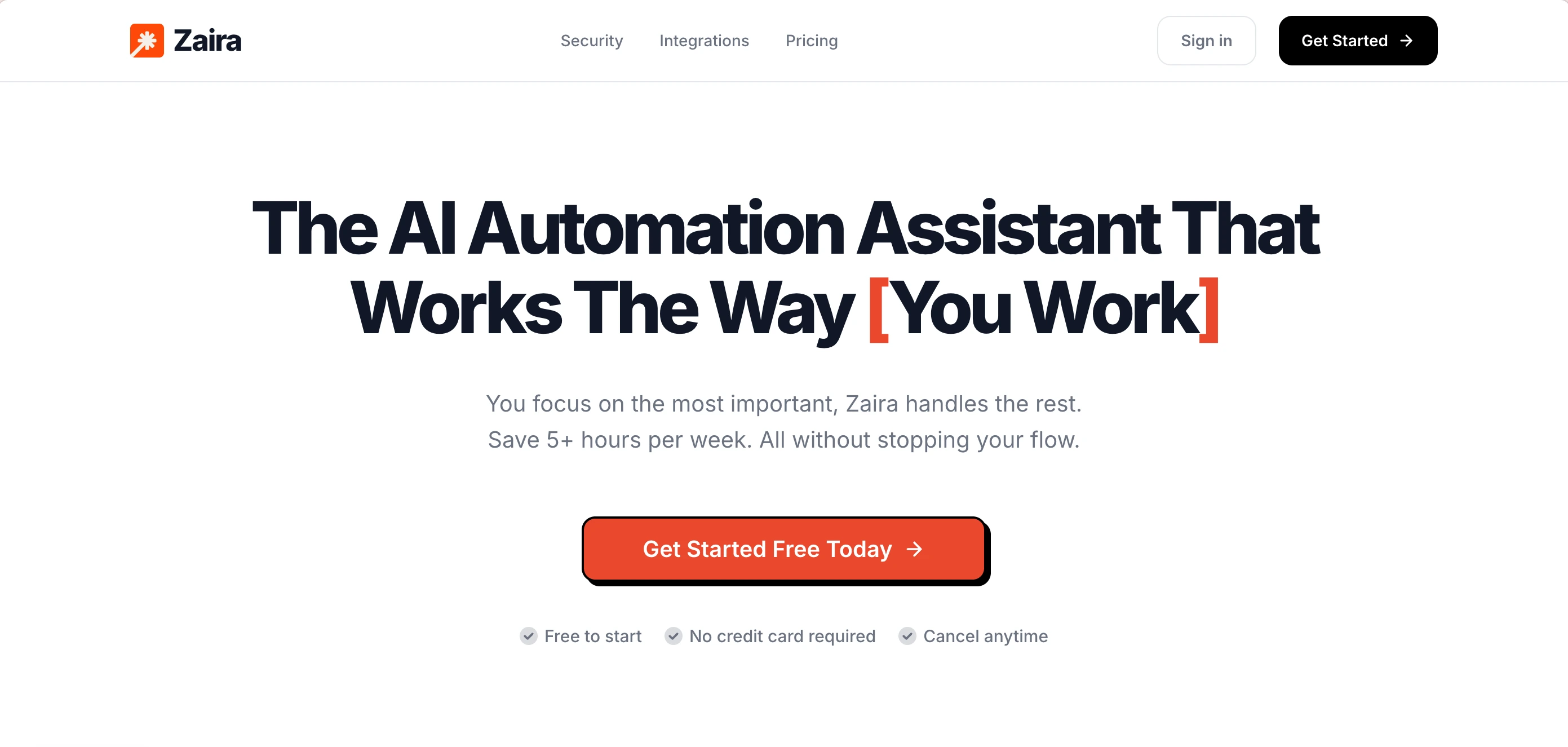
Six of the seven tools here make you build a flow. You pick a trigger, then add steps. Zaira works the other way. You tell it the result you want. It finds the steps, picks the tools, and runs the job across your apps. It keeps going after you close your laptop. It also remembers what it learned, so week eight works better than week one. Web search, image and video generation, and scheduled runs come built in.
Connect your tools once, like Gmail, Slack, Stripe, and HubSpot. Then tell Zaira the result you want. It makes a plan, pulls live data, and does the job. It runs on a schedule or when something happens. It keeps memory between runs, so you don’t repeat yourself. Big jobs get split between helpers that work at the same time. Results land in Slack, Telegram, or Discord. You check the result, not the wiring. There is no canvas to build and no server to keep alive.
Pros:
- You give it a goal, not a flow
- Runs on its own, on a schedule or a trigger
- Remembers things between runs
- Keeps working after you close your laptop
- Reports back in Slack, Telegram, or Discord
- No canvas to build or fix
- No operation meter to watch
- Handles app and API changes for you
- Splits big jobs across helpers that run at once
- Web search, image, and video built in
- 40+ AI models across 8 providers
- Flat price that does not grow with use
Cons:
- Cloud only. No on-prem or air-gapped setup
- You still check its work
- 100+ core apps built in
Zapier
The widest app list and the fastest setup
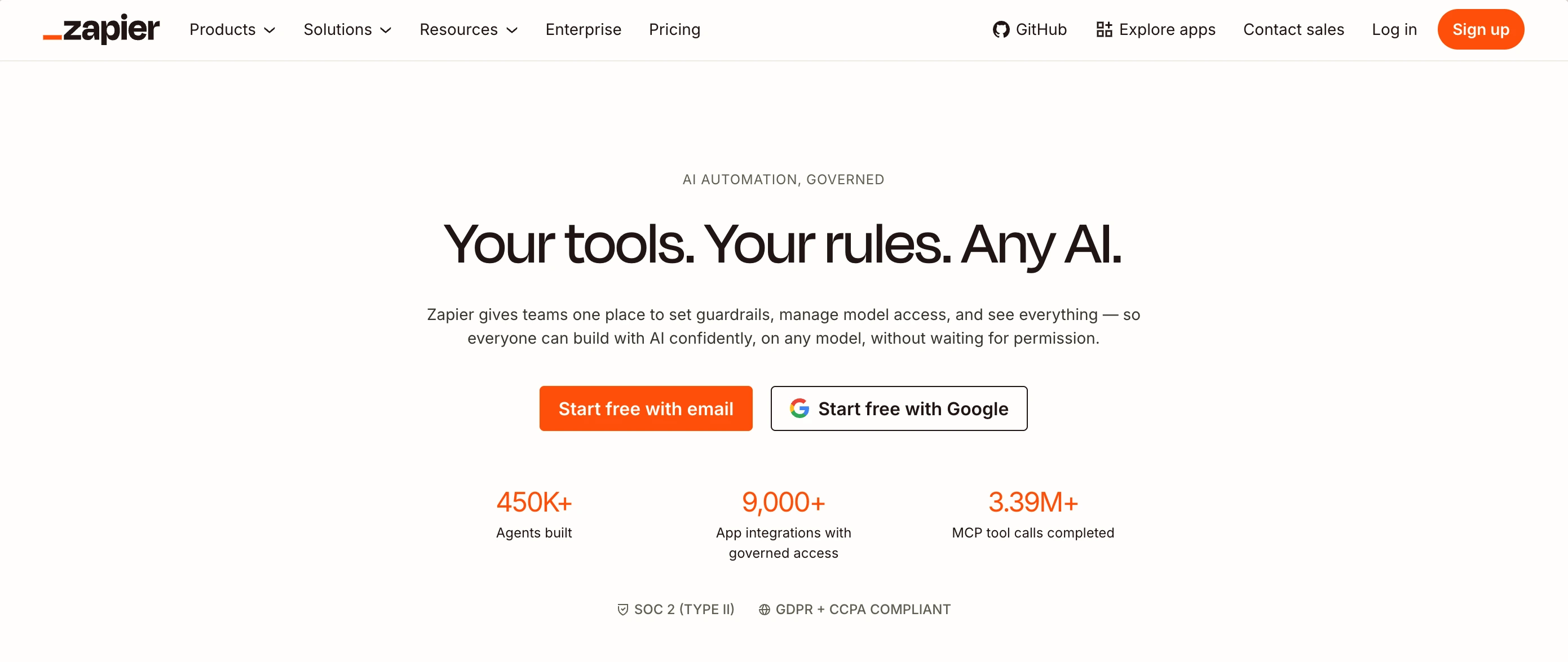
Zapier is the hosted automation tool with the largest app list in the field. It has 9,000+ apps and the shortest path to a working flow. It is the pick for teams that want the most apps and the least setup, with no server and no code.
You pick an app that starts the flow and an app that does the work. Copilot can draft the Zap from a sentence. Nothing to host. You pay per task, and each step in a Zap spends a task, so a busy Zap costs more than a simple one.
Pros:
- 9,000+ apps, the largest list in the field
- Fastest time to a first working flow
- Webhooks and code steps for custom jobs
Cons:
- Per-task pricing gets steep at volume
- Each MCP call costs two tasks
- No image or video generation built in
- Free and Starter plans opt you into AI training
n8n
The power pick for technical teams
n8n is a workflow builder that leans technical. You can host it yourself for free, or use its cloud. It has 1,000+ nodes and lets you write code inside a flow. It is the pick for engineers who want deep control.
You connect nodes on a canvas. A trigger starts the flow, and nodes pass data along the way. Some nodes run your own JavaScript or Python. Self-hosted, runs are free but you pay with your time. On the cloud, you pay per run, and agent or AI nodes use runs fast.
Pros:
- Self-host for free with full control
- 1,000+ nodes and code inside flows
- Deep control for technical teams
Cons:
- You patch, host, and scale the server
- Not truly open source (fair-code license)
- Loops and AI nodes burn extra runs
- Steep learning curve
- Still a builder. You maintain every flow
Activepieces
The open-source pick with no run limits
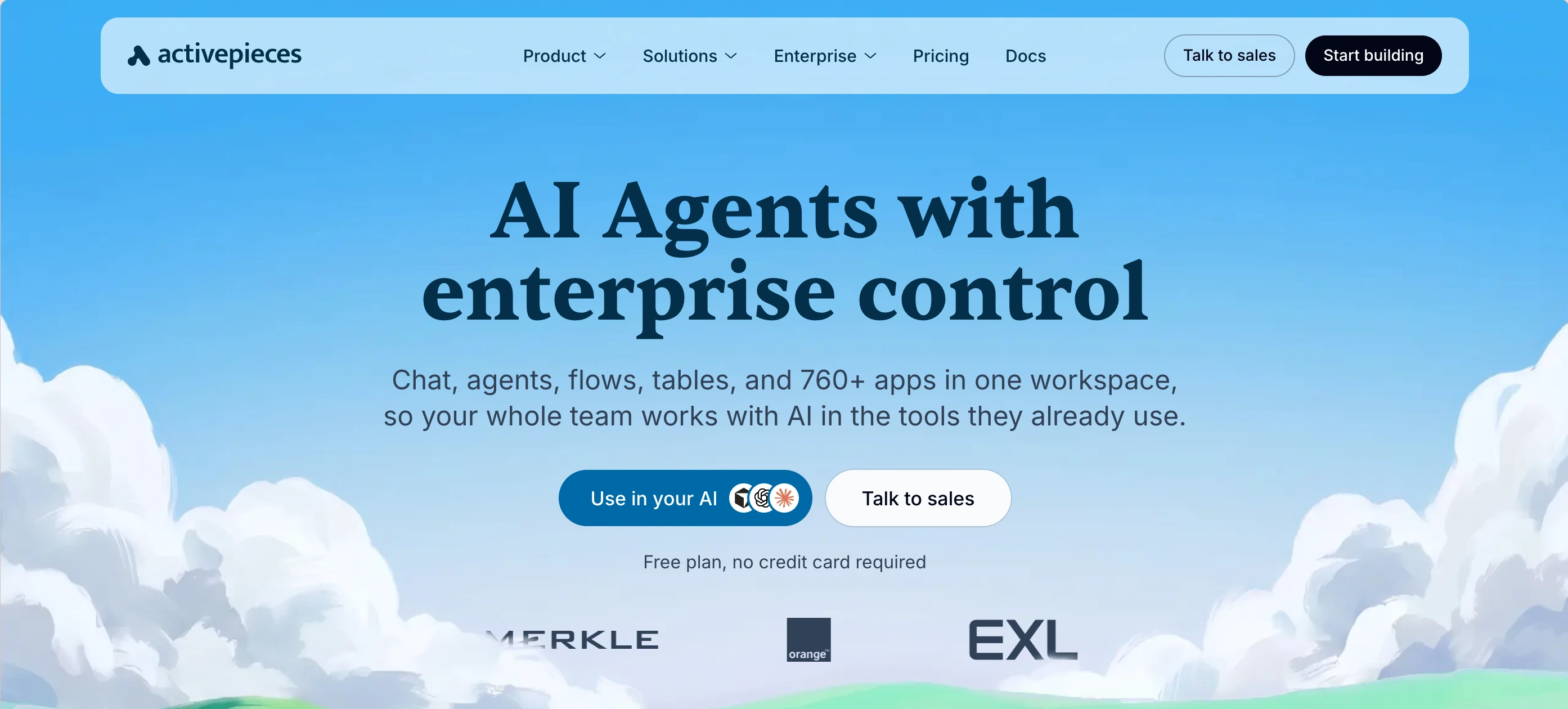
Activepieces is an open-source workflow builder. It uses the MIT license, so you can fork it and host it yourself. You can run unlimited flows without paying per run. It is the pick for teams that put the license first.
You build flows on a canvas using 764+ pieces. Each piece also works as an MCP server for your own agent, and custom code steps cover the gaps. Self-hosted, flows run without a limit. On the cloud, you pay per active flow, not per run, so a flow that fires 10,000 times costs the same as one that fires once.
Pros:
- MIT license, so it is truly open source
- Pay per active flow, with unlimited runs
- Each piece works as an MCP server
Cons:
- Smaller app list than n8n
- You build and maintain every flow
- No image or video generation built in
- Takes a few weeks to learn the canvas
Pabbly Connect
The low flat price with no operation meter
Pabbly Connect is a hosted automation tool with one clear draw: a low, flat price. On paid plans you get unlimited tasks, so the count does not decide your bill. It is the pick for teams that want out of the operation meter.
You build flows on a canvas with a trigger and a set of steps. It connects 1,500+ apps, and paid plans remove the task limit. Because the price is flat, a busy flow does not cost more than a quiet one. The trade is depth: it has fewer advanced steps than Make or n8n.
Pros:
- Low, flat price with unlimited tasks on paid plans
- 1,500+ apps to connect
- Simple to set up
Cons:
- Fewer advanced steps than Make or n8n
- Still a builder. You maintain every flow
- No agent that plans its own steps
- No image or video generation built in
Pipedream
The code-first tool for developers
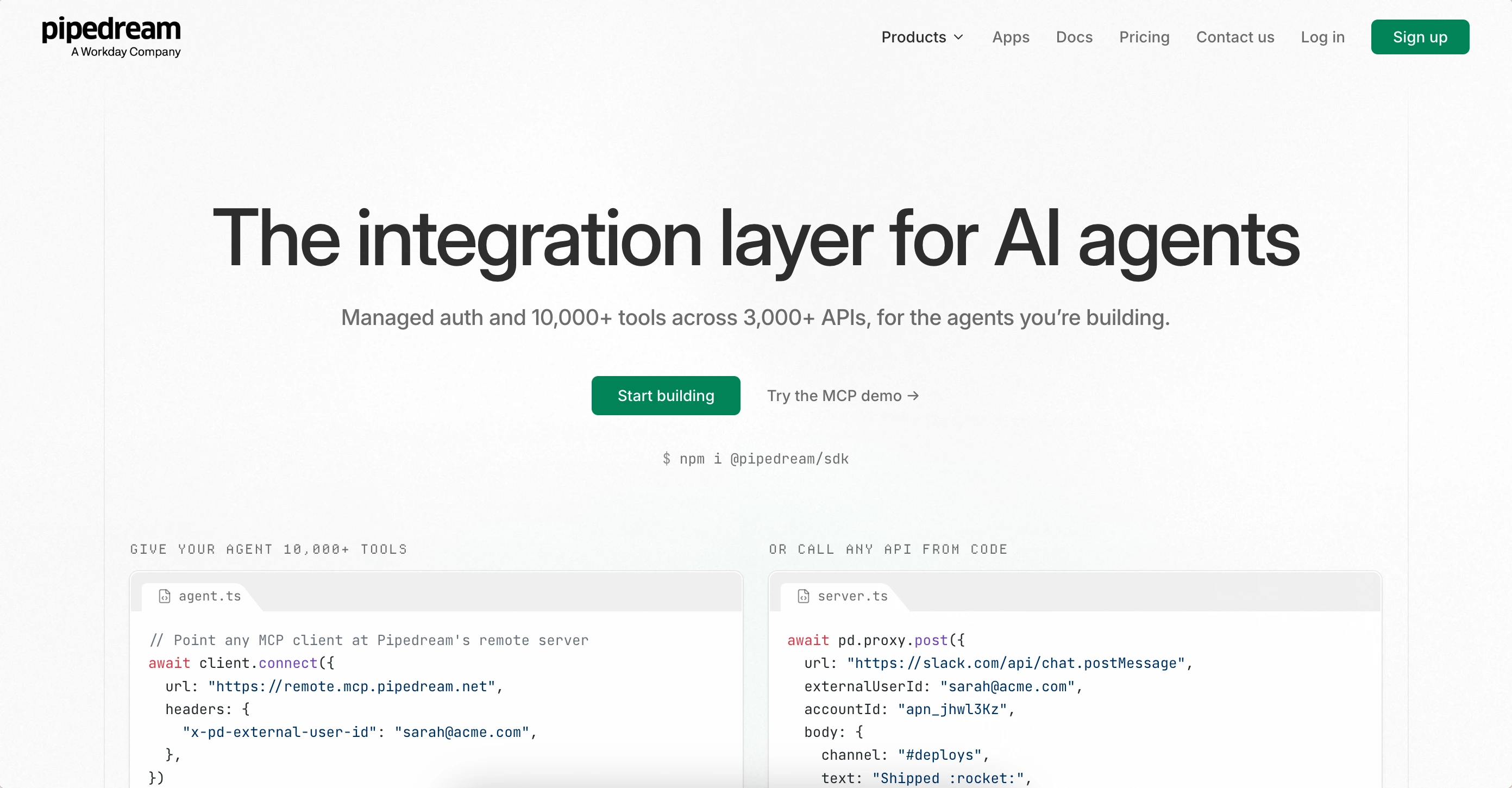
Pipedream is a serverless tool built for developers. You write flows as code, not as boxes. It runs Node.js, Python, Go, or Bash steps. It is the pick for teams that want API-level control and apps they can embed in their own product.
You build flows in code. A trigger starts them, then steps run in Node.js, Python, Go, or Bash. It has managed login for 3,000+ apps, and you can ship the same integrations as MCP servers. Usage runs down a monthly credit.
Pros:
- 3,000+ apps with managed login
- Code control in Node, Python, Go, and Bash
- MCP servers and an SDK for embedding
Cons:
- Source-available license, not open source
- Cloud only, with no self-host
- Credits run out as flows grow
- No image or video generation built in
- Steep curve. Everything is code
Microsoft Power Automate
The obvious pick only inside Microsoft
Power Automate is Microsoft’s automation tool. It works well with Office 365, Dynamics, and Azure. It has built-in sign-on and company controls. It is the clear pick for firms already living inside Microsoft.
Inside Microsoft 365 you build flows in a visual editor. They connect Outlook, SharePoint, Teams, and Excel, plus 1,400+ apps. Copilot can draft flows, and AI Builder can read documents. You pay per user, and robot licenses cost extra.
Pros:
- Works natively with Office 365, Dynamics, and Azure
- Built-in sign-on and company controls
- PowerShell and HTTP actions for the gaps
Cons:
- Clunky outside Microsoft apps
- Expensive at scale
- No web search or image generation by default
- Takes time to learn outside Microsoft 365
What each tool costs when you run a lot
This section shows what each tool charges to start, and more important, what it charges when you run past your limit. That overage is the cost most people miss. It is also where a bill can quietly run away.
With Make, the meter is operations. A scenario with more blocks spends more of them. A loop spends one per item. So the same job can cost very different amounts from one month to the next.
Scan the overage column and the field splits in two. The flat plans end at $0. Everyone else rents you a meter. That empty cell is the whole difference between a bill you can guess in week one and one that surprises you every month.
An agent costs more to run than a simple flow. It retries a step, checks a second source, drafts, and revises. On a metered plan, you pay for all of that. That is the real problem with metering an agent: you are billed for its care.
A flat plan is not cheaper because the math is neater. It is cheaper because the number stops moving as the agent gets stronger. If your tool bills per operation, per task, or per credit, expect the bill to rise the day the automation starts working well.
| Tool | Starting price | Overage charge |
|---|---|---|
| Make | $12/mo | $1.50 / 1K operations |
| Zaira | $19/mo | $0 |
| Zapier | $20/mo | $0.016 / task |
| n8n | €20/mo | €13.3 / 1K runs |
| Activepieces | $5/active flow | $0.007 / credit |
| Pabbly Connect | $16/mo | $0 |
| Pipedream | $29/mo | $0.0145 / credit |
| Power Automate | $15/user/mo | $0.60 / run |
So, which one is right for you?
The best pick comes down to your situation and how much time you want to spend on setup. Use the guide below to see which tool fits you.
If you are a founder or ops lead, you came to Make to save time and ended up fixing scenarios at night. You want the work done: follow-ups sent, CRM updated, reports delivered. Not a second job. We recommend starting with Zaira. Connect your tools, name the job, and it runs on its own.
If you are non-technical, you need flows that anyone can read and tweak. Make’s operation meter and advanced steps can be a wall. Start with Zapier for the most apps and the fastest setup, or Zaira if you don’t want to build a flow at all.
If you build for clients (an agency), you may resell the flows you build. A per-operation meter can eat your margin, because a client who runs a lot costs you more. We recommend starting with Zaira, where the price is flat and each client’s busy month does not raise your bill.
If you want an open-source and self-host option, so your data stays on your servers and the license is truly open. Start with Activepieces for a visual builder, or n8n if you want deep nodes and can run a server. This is the path for engineers.
Still on the fence? See how people choose here:
| Situation | The Recommendation | The Reason Why |
|---|---|---|
| Your operations run out too fast | Zaira | One flat price. No operation meter to watch. |
| You want the widest app list | Zapier | 9,000+ apps and the fastest simple flows. |
| You need deep control and can host it | n8n | 1,000+ nodes and code inside flows. |
| A real open license is the dealbreaker | Activepieces | MIT license with unlimited self-hosted runs. |
| You want a low flat price | Pabbly Connect | Flat plans that skip the operation meter. |
| You want full code control | Pipedream | Write flows in code, with 3,000+ apps. |
| Your company runs on Microsoft | Power Automate | Native links to Office 365, Dynamics, and Azure. |
Frequently asked questions
What is the best Make alternative?
It depends on what you are leaving behind. If you want a low, flat price, Pabbly Connect is the direct swap. If you want the widest app list, Zapier has 9,000+ apps. If you want an open license you can self-host, Activepieces is the MIT pick, and n8n gives engineers deep control. If the operation meter is the real problem, Zaira removes it: one flat price, and it runs the job for you. There is no single best tool, because the work is not all the same. Start with the reason you began searching.
Why do people leave Make?
Three reasons come up most. First, the operation meter. Each block spends an operation, and loops, filters, and error steps spend more. Second, silent breakage. A scenario can stop working when an app changes, and you may not notice for days. Third, the cloud lock-in. Make only runs in the cloud, so there is no self-host path. If the meter is your reason, Zaira gives you a flat price.
Is Make free?
Make has a free plan, but it is small. It gives you 1,000 operations a month. Paid plans start around $12/mo. Each block in a scenario spends an operation, so real work uses them quickly.
Why do my Make operations run out?
Because many things spend them. Each block costs one operation. A loop costs one per item. Error steps, filters, and HTTP calls add more. A scenario that looks small can cost a lot of operations each time it runs. That is why the plan runs out before the month does.
Is Make cheaper than Zapier?
Often, yes. Make starts near $12/mo and Zapier near $20/mo. Make also packs more steps into a flow at the same price. But both bill by usage, so both get costly at volume. Pick by who will keep the flow alive, not by the entry price.
What is the best free Make alternative?
“Free” usually means “bring your own server.” Self-hosted n8n or Activepieces run without a run limit, for the price of a small box. On hosted plans, free tiers stay small. Zapier offers 100 tasks a month, Pabbly Connect 100 tasks, and Zaira’s free plan runs fully in the cloud with no card needed.
Is there a flat-price Make alternative?
Yes. Pabbly Connect uses a low flat price with unlimited tasks on paid plans. Zaira Pro is a flat $19/mo with no overage, and it runs the job for you. Most others, like Make, Zapier, n8n, Pipedream, and Power Automate, bill per operation, per task, per run, or per user.
Is n8n better than Make?
For technical teams, often yes. n8n self-hosts, ships 1,000+ nodes, and lets you write code inside a flow. It gives you the most control of anything here. Make is easier to learn and needs no server. The trade is upkeep: with n8n you patch, host, and scale the server. If nobody wants that job, Zaira removes the server from the picture.
Can I migrate my scenarios from Make?
Not by import. No tool here reads Make’s export, so you rebuild each scenario by hand. The fastest path has four steps. Sort the scenarios that truly matter. Write each one as a plain goal. Connect your tools once. Run the new job beside the old one until the result looks right, then turn the old scenario off. Most teams finish in days rather than weeks.
Is there a Make alternative that needs no building?
Yes, and that is the slot Zaira fills. Every other alternative, Make included, asks you to build a flow: trigger, steps, filters, and error paths you then maintain. Zaira flips it. You name the goal, connect your tools, and it works out the steps and runs them. Nothing to drag, nothing to debug.
How does Zaira’s price compare to Make’s?
Make starts near $12/mo and bills per operation, so the bill grows as you run more. Zaira Pro is $19/mo flat with no overage. A more capable agent does not make a bigger bill. That is the main difference: one meters your work, the other does not.
What happens to the price when an agent runs on its own?
On a flat plan, nothing changes. That is the reason to pick one. On per-operation or per-task billing, an agent is costly by design. It retries a failed step, checks a second source, drafts and revises. Every one of those is another billable unit you did not ask for. So compare tools by what a month of working automation costs, not by price per run.
Does anything here handle broken apps and API changes for me?
No builder does. This is how a flow dies on a Tuesday: an API moves, a step breaks on update, or a login expires. Zaira keeps its connections up to date, so app changes and outages get handled on its side instead of becoming your weekend job.
Can Zaira replace Make completely?
For many ops, content, and reporting jobs, yes. Keep a builder like Make or n8n when you need self-hosting, heavy custom code, or air-gapped setup. Hybrid stacks are common.
Sources
- Make pricing
- Make security
- Make privacy and GDPR
- Zapier plans and pricing
- n8n plans and pricing
- Activepieces pricing
- Pabbly Connect pricing
- Pipedream pricing
- Microsoft Power Automate pricing
- n8n Sustainable Use License (fair-code)
- Activepieces license (MIT)
- Pipedream repository (source-available license)
- Zapier data privacy and security
- Activepieces Trust Center (SOC 2)